Role Navigation
Swipe roles, tap to open submenuAdmin • Billing / Plans
Standalone submenu content with role-aligned workflow and execution checkpoints.
Overview
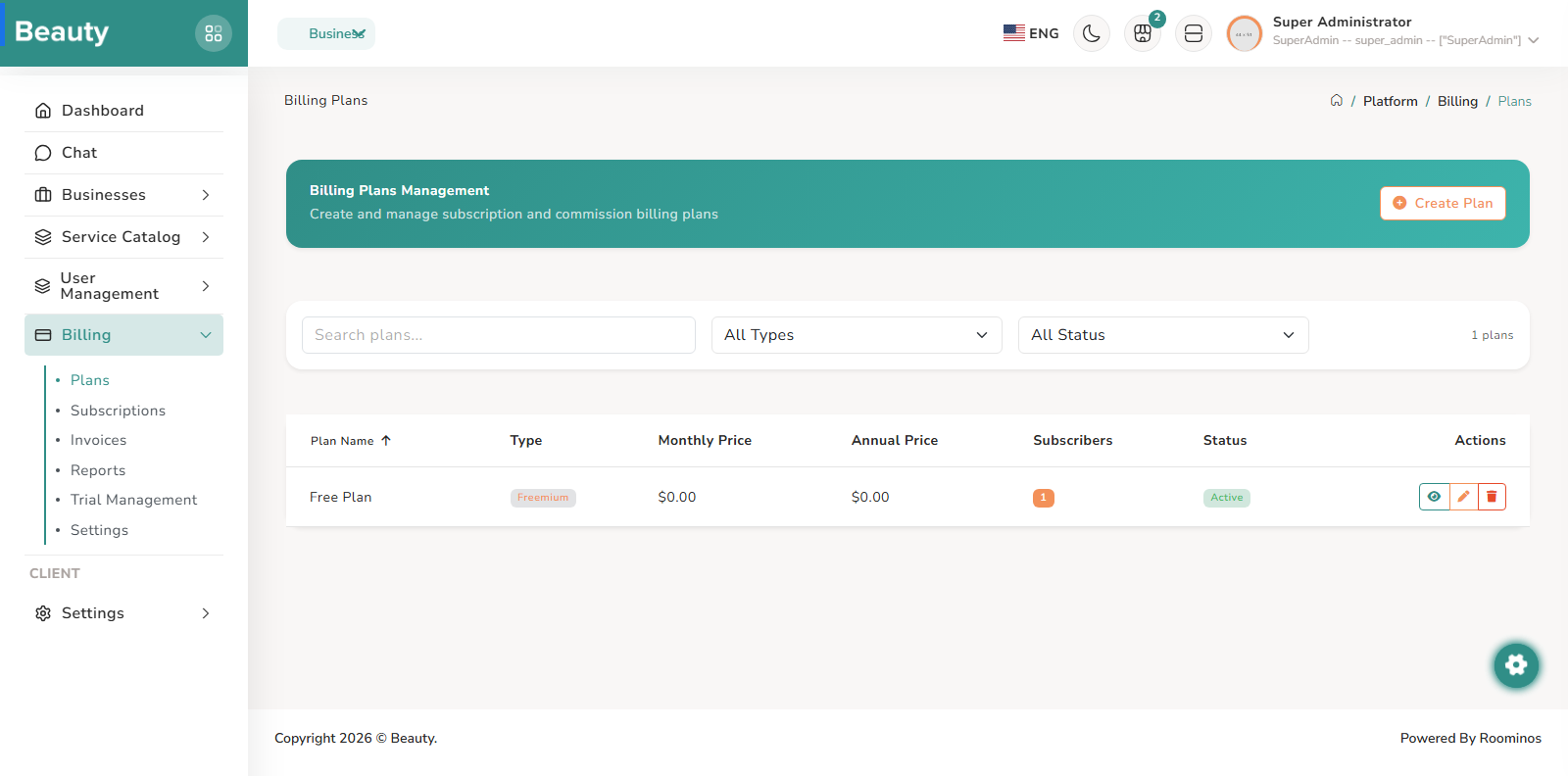
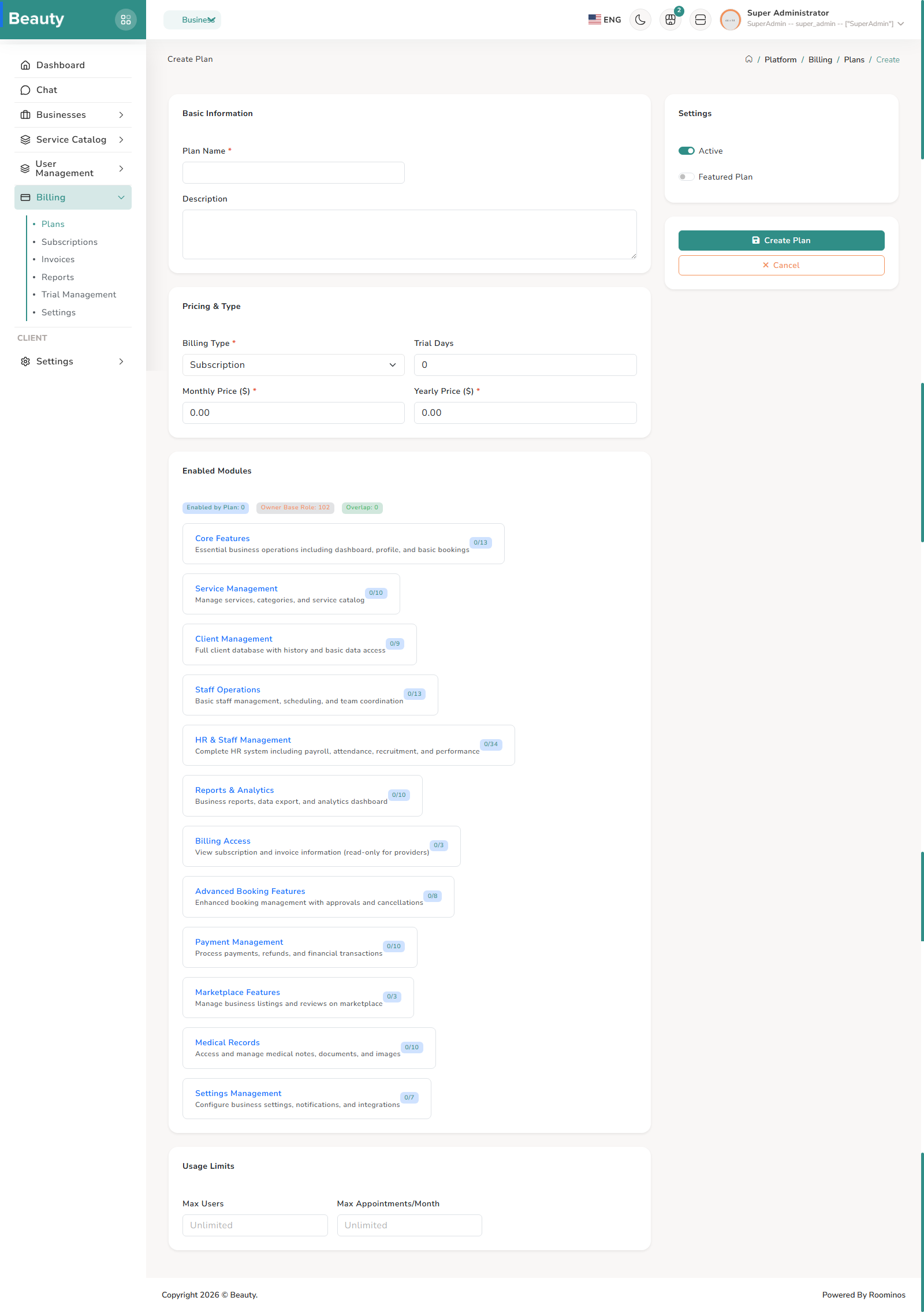
The Plans workspace pages are structured for lifecycle management of commercial offerings. The plans index blade provides search/filter/sort and action entry, while create/edit forms capture pricing model, limits, module availability, and plan status controls. Admins typically review plan inventory first, then apply controlled edits or create new plans, then verify detail state before exposing changes broadly.
Workflow Execution Steps
- Review plan inventory first.
- Apply controlled edits or create new plans through pricing, limits, module availability, and status controls.
- Verify detail state before exposing changes broadly.
Reference Screenshots