Role Navigation
Swipe roles, tap to open submenuAdmin • Businesses / Approvals
Standalone submenu content with role-aligned workflow and execution checkpoints.
Overview
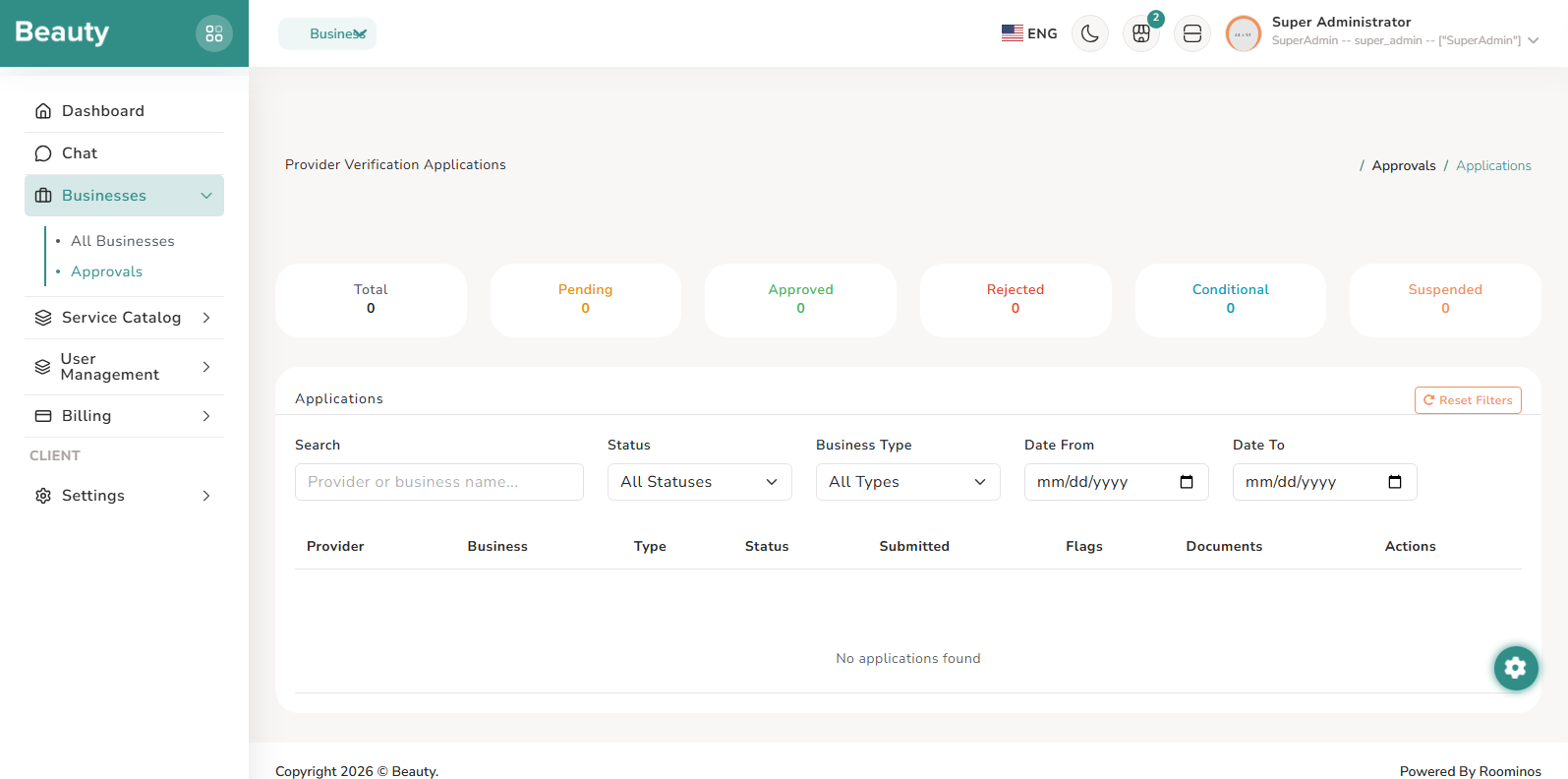
The Approvals index blade is built for queue management and risk prioritization. The blade operates as a review queue with metrics-first cards plus narrowing filters for search, status, business type, and dates. In real usage, the workflow is to scan queue health first, narrow to the relevant cohort, then open a single submission for full review. The Approval review detail blade is a tab-based investigation workspace. The blade operates by separating evidence domains into tabs so admins can inspect identity, documents, service eligibility, location, brand/content, and audit context without losing decision state. The normal workflow is sequential and evidence-led: confirm identity and profile consistency, verify documents, assess service appropriateness, inspect location and presentation quality, then apply the appropriate verification decision path in the component actions. The Compliance Flags blade supports continuous monitoring and remediation of flagged provider compliance conditions. The blade operates as a severity/state-driven table with detail modal expansion and direct resolve actions for authorized users. In daily operations, this workflow is used as follow-up control after approvals or incidents, ensuring flags are not only recorded but actively resolved with context.
Workflow Execution Steps
- Scan queue health first, narrow to the relevant cohort, then open a single submission for full review.
- Run sequential evidence-led review across identity, documents, service appropriateness, location, presentation quality, and audit context.
- Apply verification decisions and continue follow-up through compliance flag monitoring and resolution.
Reference Screenshots