Role Navigation
Swipe roles, tap to open submenuAdmin • Chat
Standalone submenu content with role-aligned workflow and execution checkpoints.
Overview
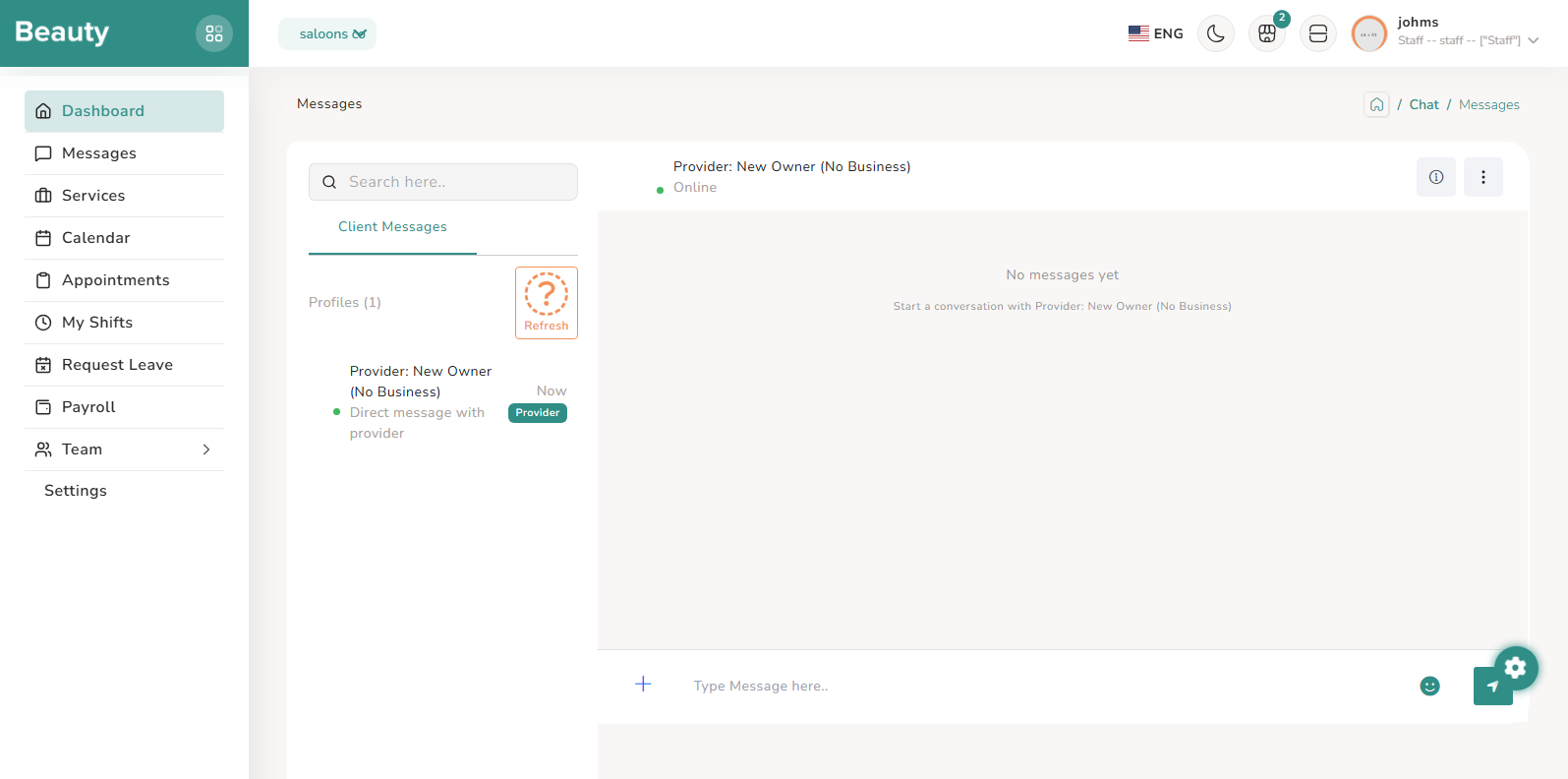
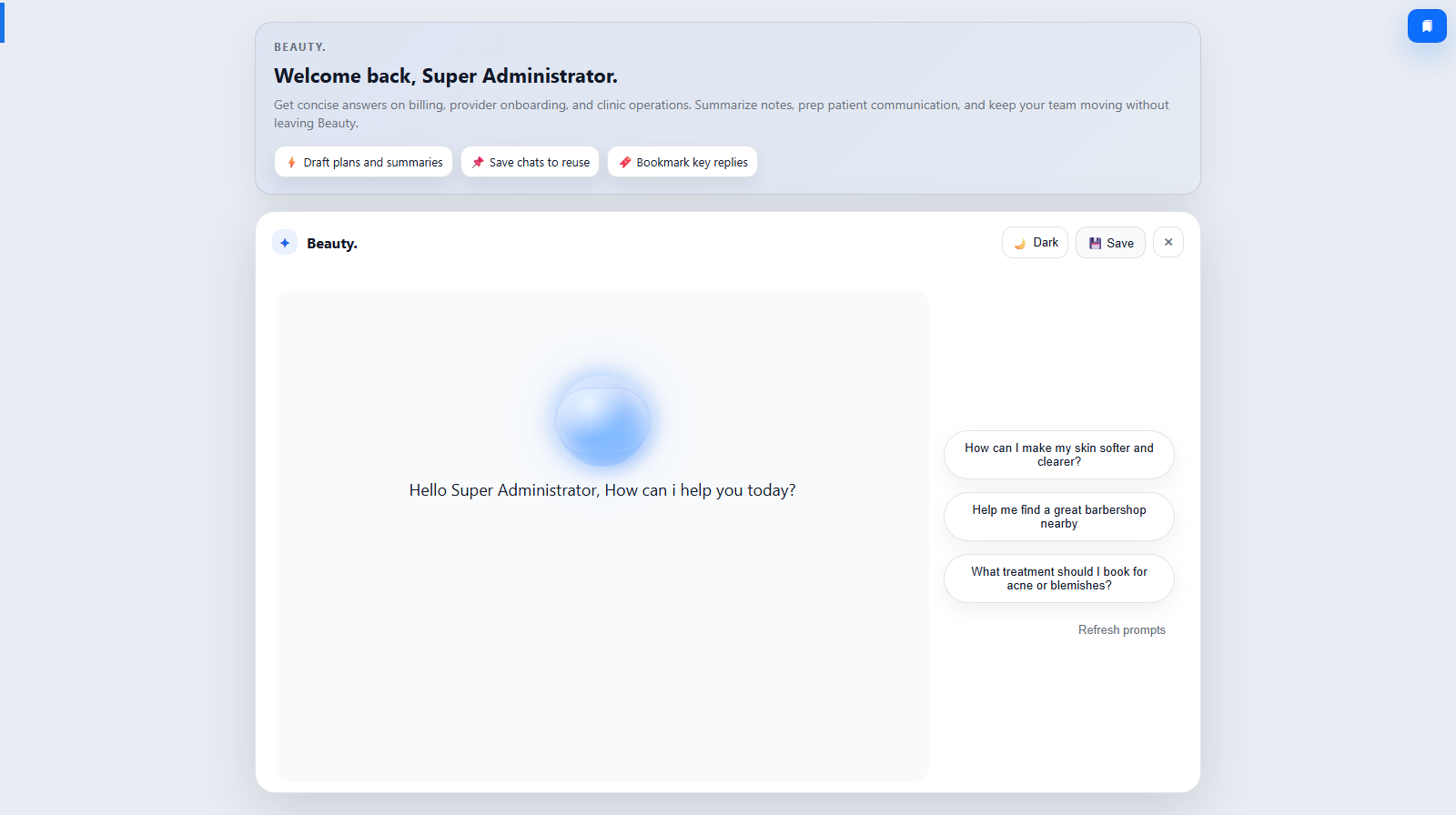
The admin menu starts with platform overview pages and then proceeds through operational branches that admins repeat every day depending on platform activity. Chat sits in this operational cycle as the direct communication surface for escalations and handoffs while admins move between businesses, approvals, catalog, user governance, billing, management, and system controls.
Workflow Execution Steps
- Use chat during operational review cycles, not as an isolated ad-hoc step.
- Coordinate escalations and handoffs while executing menu-branch workflows.
- Confirm outcomes in the owning operational module after communication.
Reference Screenshots