Role Navigation
Swipe roles, tap to open submenuAdmin • Dashboard
Standalone submenu content with role-aligned workflow and execution checkpoints.
Overview
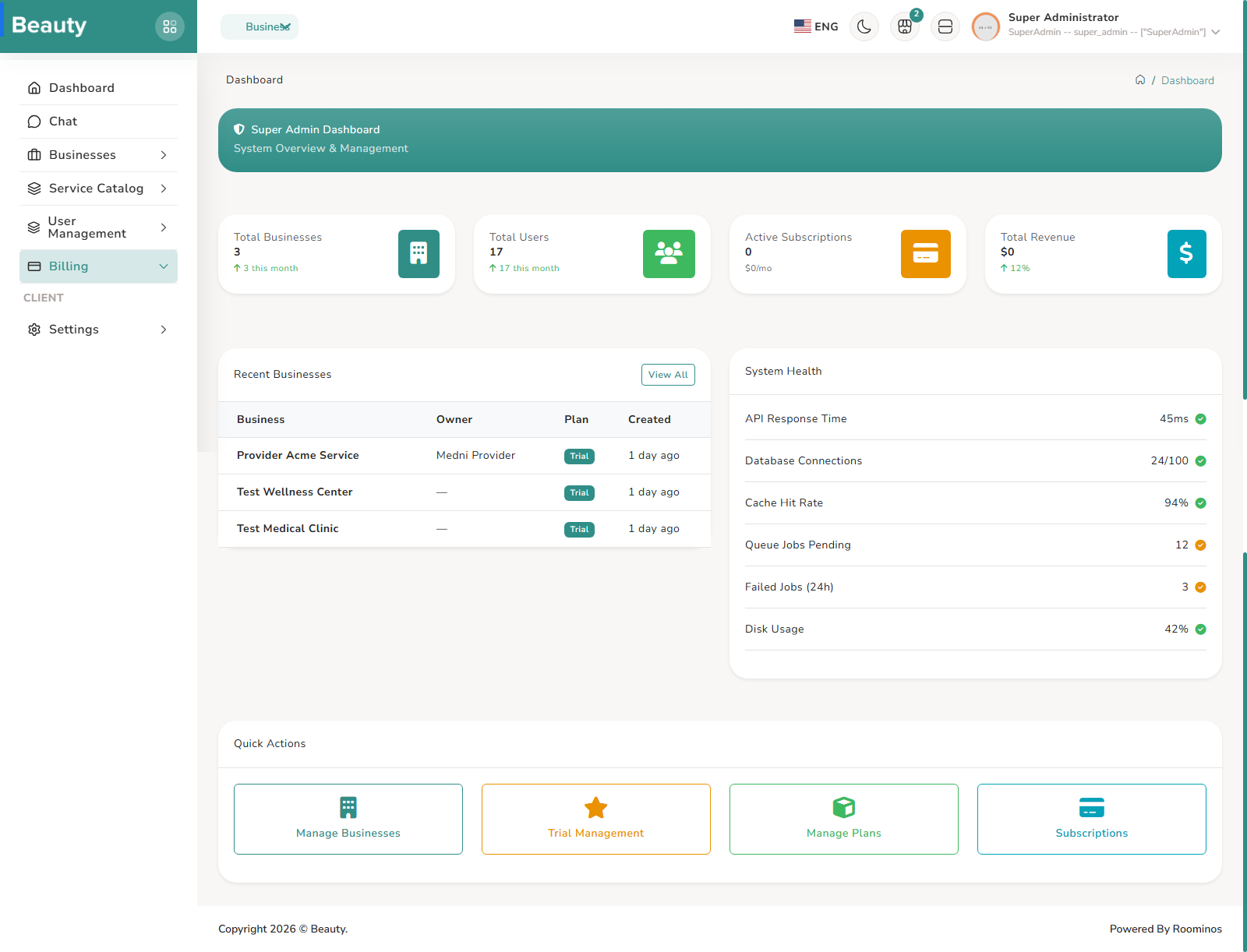
Before the explanation sections, this is the full admin menu map in direct list form. 1. Dashboard 2. Chat 3. Businesses - All Businesses, Approvals 4. Service Catalog - Categories, Service Groups, Services 5. User Management - Roles, Users 6. Billing - Plans, Subscriptions, Invoices, Reports, Trial Management, Settings 7. Management - Legal Pages, FAQs, FAQ Categories 8. System - Platform Settings Hub, Audit Logs, System Prompt Editor. This menu list reflects what is visible in admin sidebar navigation. The paragraph sections below explain how each area works and what workflow users should follow. The admin menu is organized around platform operations, and each visible menu branch corresponds to a real working area with its own Livewire page flows. The menu starts with platform overview pages, then goes into Businesses and Approvals, then Service Catalog, then User Management, followed by a full Billing block, then Management entries for Legal Pages and FAQs, and finally system-level controls such as Audit Logs and the System Prompt editor. The important thing for users is that this menu is not decorative; each branch represents a normal operational cycle that an admin will repeat every day depending on platform activity. A normal admin session begins with login and then moves into operational review, not ad-hoc clicks. The most stable pattern is to check businesses and pending approvals first, then ensure service catalog quality, then verify user-role integrity, then execute billing operations, then maintain legal and FAQ content, and finally close with audit review and any system prompt updates if required. This order matches how risk accumulates in production: approvals and business state affect onboarding quality, catalog and user governance affect day-to-day tenant operation, billing affects revenue continuity, and logs/system configuration affect platform safety and traceability.
Workflow Execution Steps
- Begin with login and move into operational review, not ad-hoc clicks.
- Check businesses and pending approvals first, then service catalog quality, then user-role integrity, then billing operations, then legal and FAQ content.
- Close with audit review and system prompt updates if required.
Reference Screenshots