Role Navigation
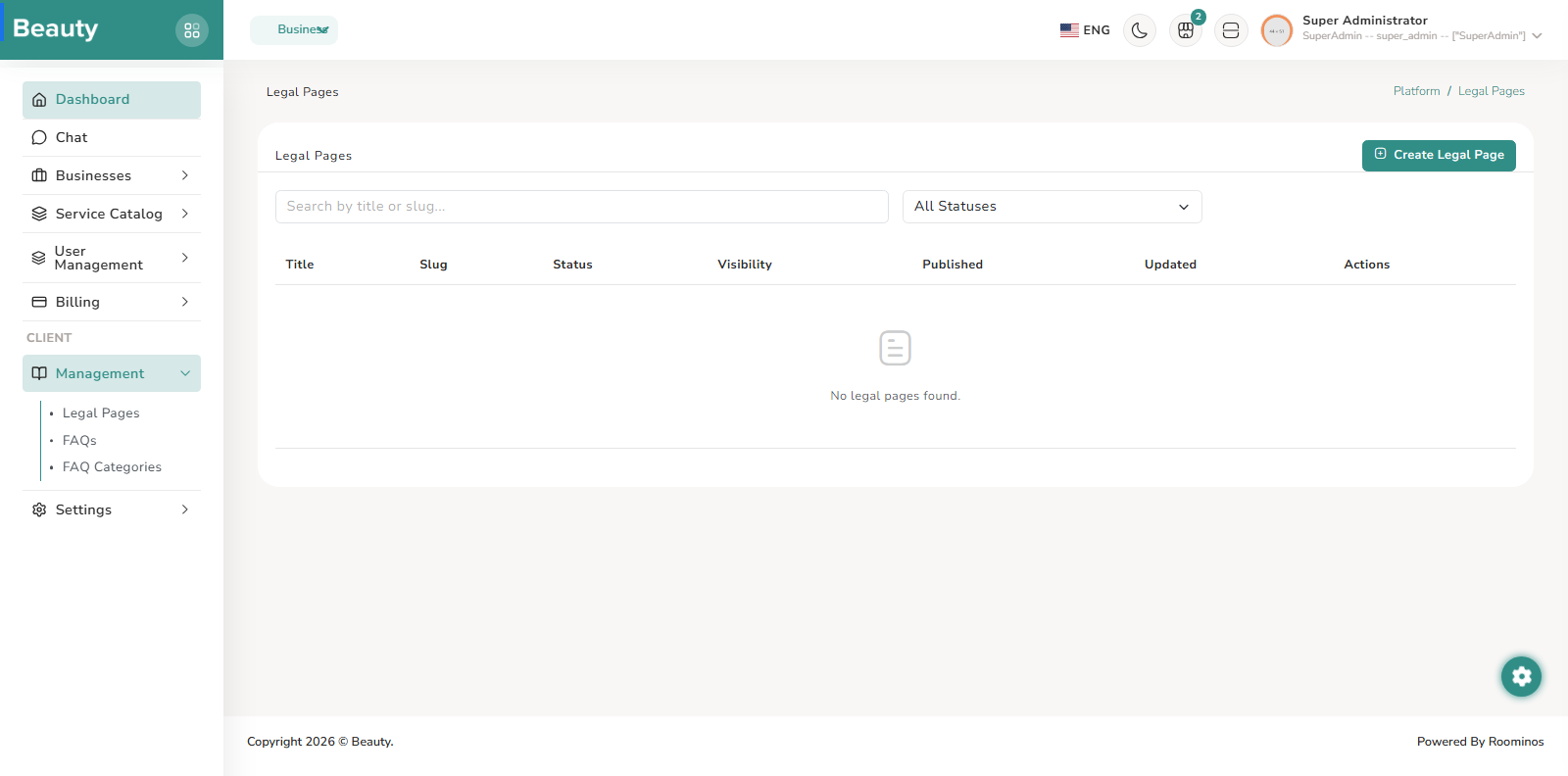
Swipe roles, tap to open submenuAdmin • Management / Legal Pages
Standalone submenu content with role-aligned workflow and execution checkpoints.
Overview
The Legal Pages index and form blades provide controlled legal content publishing. The index supports search and status filtering with publish/unpublish and delete actions, while the form handles structured metadata and rich-content editing. In regular operations, admins audit legal page status first, then create or revise content as required by policy or product changes, and publish only after review.
Workflow Execution Steps
- Audit legal page status first.
- Create or revise content as required by policy or product changes.
- Publish only after review.
Reference Screenshots