Role Navigation
Swipe roles, tap to open submenuAdmin • System / Platform Settings Hub
Standalone submenu content with role-aligned workflow and execution checkpoints.
Overview
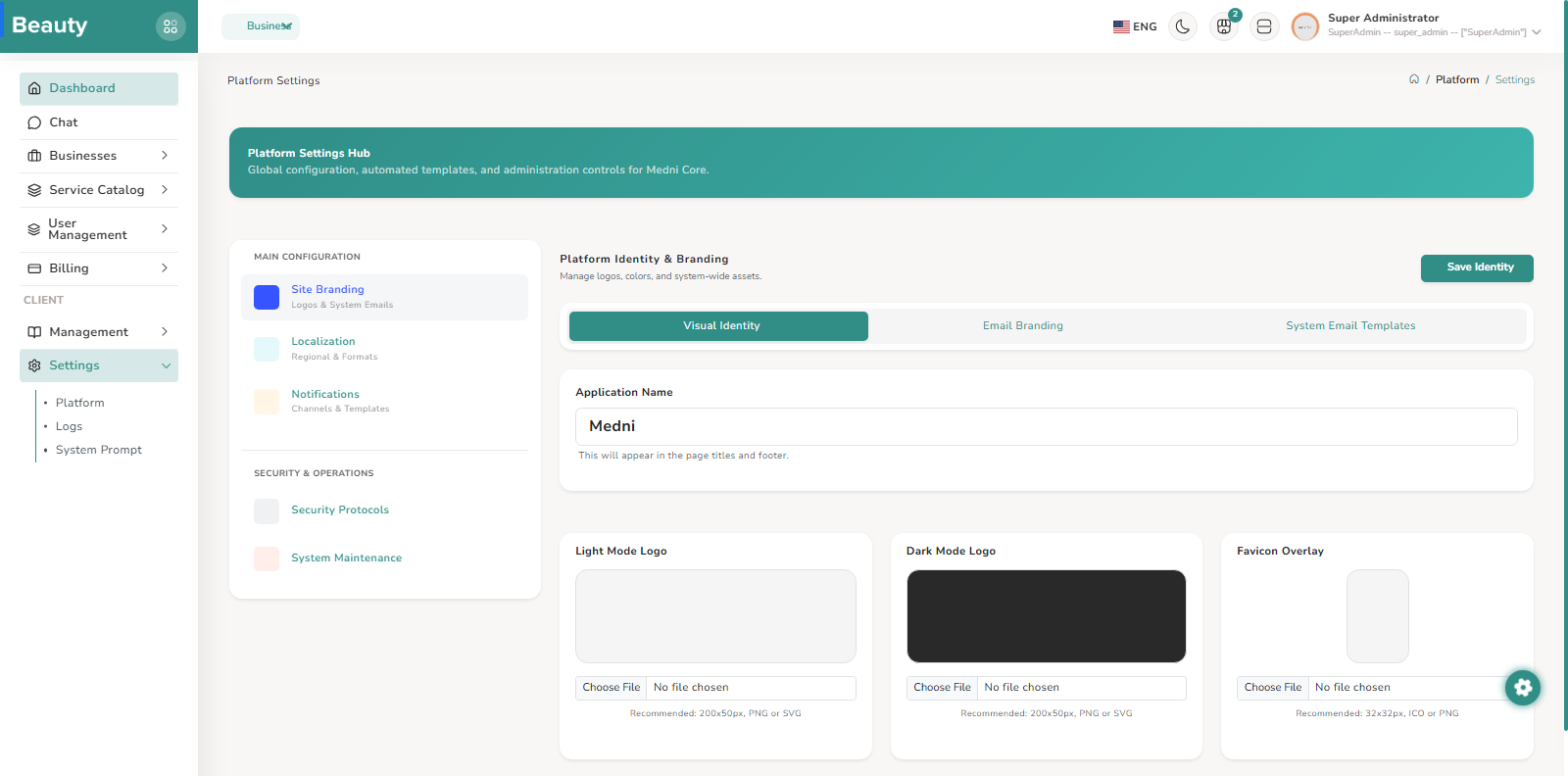
The Platform Settings Hub is a centralized admin configuration blade that operates like a tabbed control center rather than a single long form. The left side of the blade is a sticky navigation panel that keeps major settings categories visible while scrolling, and each menu item switches the active tab through Livewire state updates. The categories available in this blade are Site Branding, Localization, Notifications, Security Protocols, and System Maintenance. From a user perspective, this layout allows controlled movement between global settings domains without losing page context. The workflow on this blade is modular and predictable. A user opens the Platform Settings Hub, selects one category from the sidebar, waits for the tab switch loader, then completes updates inside the currently active category panel. The blade renders a dynamic child Livewire component based on the active tab key, so each category is loaded as an isolated settings workspace while the shell stays constant. The tab value is URL-bound, so direct links to specific categories work, and invalid values are corrected back to a safe default tab. In normal operation, the best workflow is to complete and verify one settings category at a time, then move to the next category, instead of mixing multiple domains in one pass.
Workflow Execution Steps
- Open Platform Settings Hub, select one category from the sticky sidebar, and wait for tab switch loader.
- Complete updates in the active category panel (dynamic child Livewire component) while the shell stays constant.
- Complete and verify one category at a time before moving to the next.
Reference Screenshots