Role Navigation
Swipe roles, tap to open submenuAdmin • Service Catalog / Categories
Standalone submenu content with role-aligned workflow and execution checkpoints.
Overview
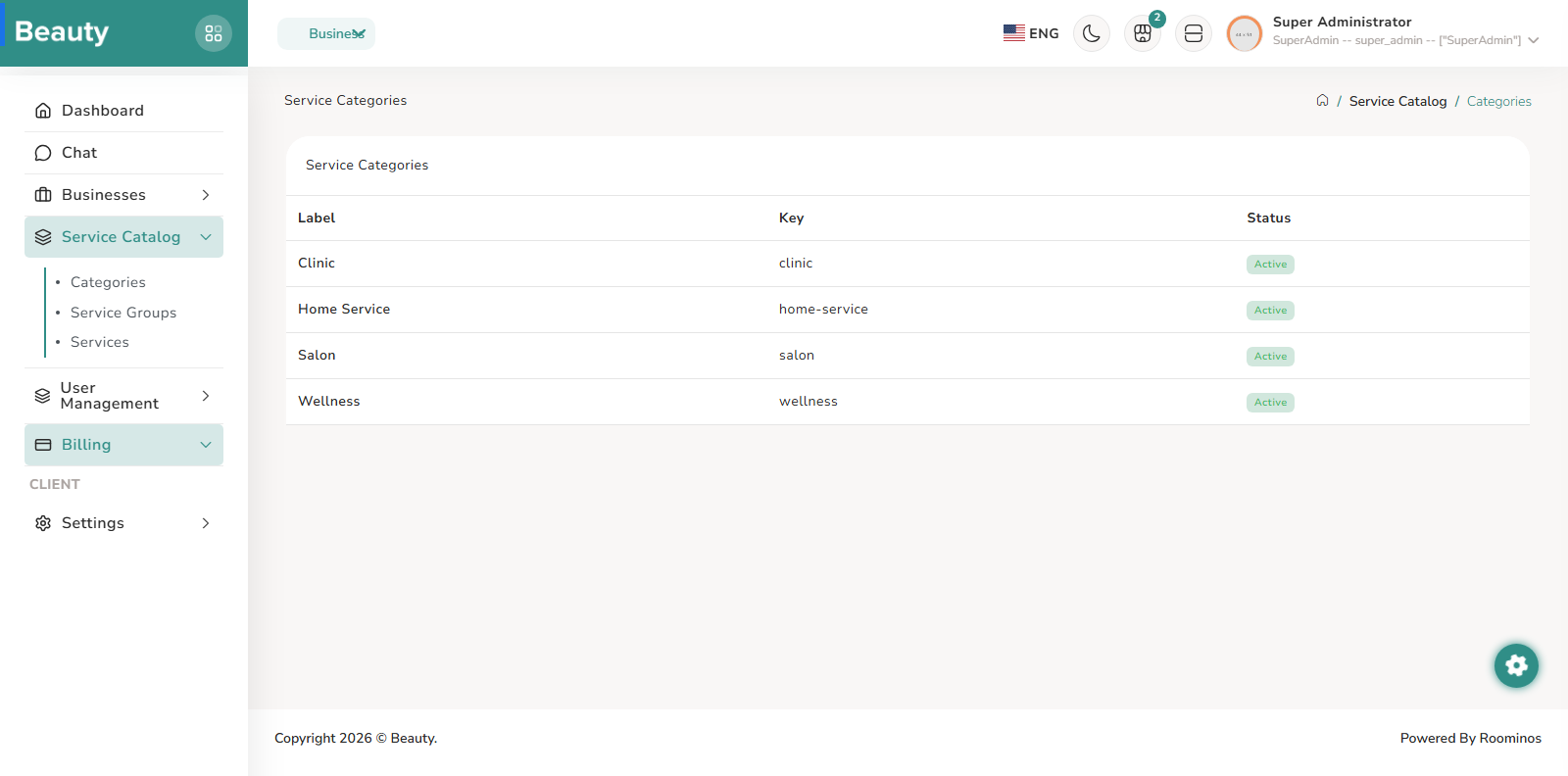
The Service Categories page is intentionally simple and acts as taxonomy visibility for the platform catalog. The blade operates as a clean status table showing category naming and activation state so admins can quickly validate taxonomy integrity. This workflow is usually a quick governance pass rather than heavy editing.
Workflow Execution Steps
- Run a quick governance pass to validate category naming and activation state.
- Use the clean status table to confirm taxonomy integrity.
- Keep category structure stable before deeper catalog edits.
Reference Screenshots