Role Navigation
Swipe roles, tap to open submenuAdmin • User Management / Users
Standalone submenu content with role-aligned workflow and execution checkpoints.
Overview
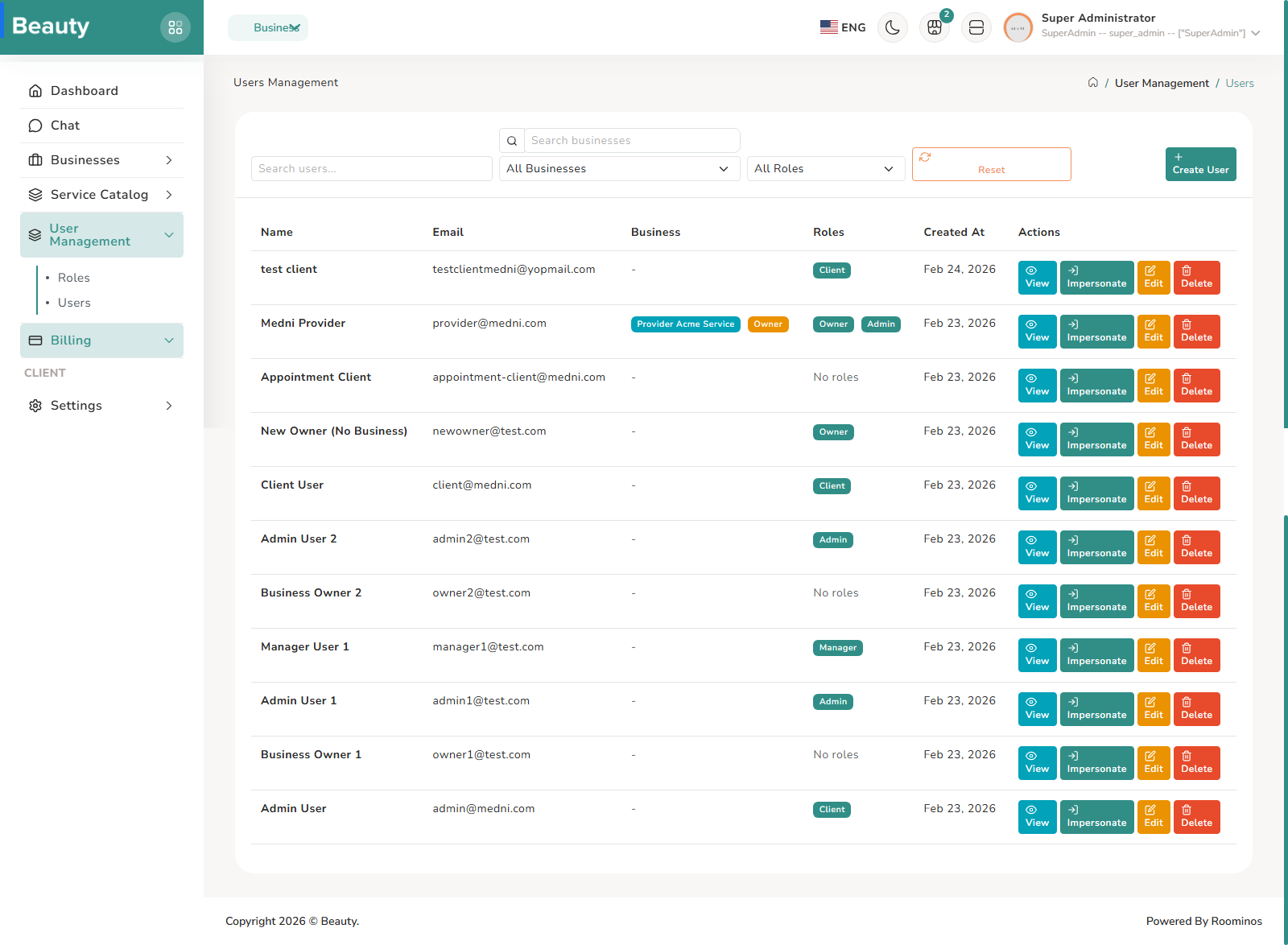
The Users index blade supports operational account management at scale. It offers search and filters, user view/edit/delete actions, and impersonation entry when allowed, so admins can troubleshoot real user experiences safely. In practice, admins identify a user case, open detail or edit as needed, and use impersonation only for targeted verification. The User form blade combines account basics with business assignment and role binding. The non-exceptional workflow is to create or update identity fields, optionally attach business context, apply the right role set for that context, and save. This blade is central to preventing cross-context role mistakes because role selection is shown alongside business selection.
Workflow Execution Steps
- Identify a user case, open detail or edit as needed, and use impersonation only for targeted verification.
- Create/update identity fields, optionally attach business context, apply the right role set, and save.
- Prevent cross-context role mistakes by validating role selection alongside business selection.
Reference Screenshots