Role Navigation
Swipe roles, tap to open submenuProvider • Billing / Invoices
Standalone submenu content with role-aligned workflow and execution checkpoints.
Overview
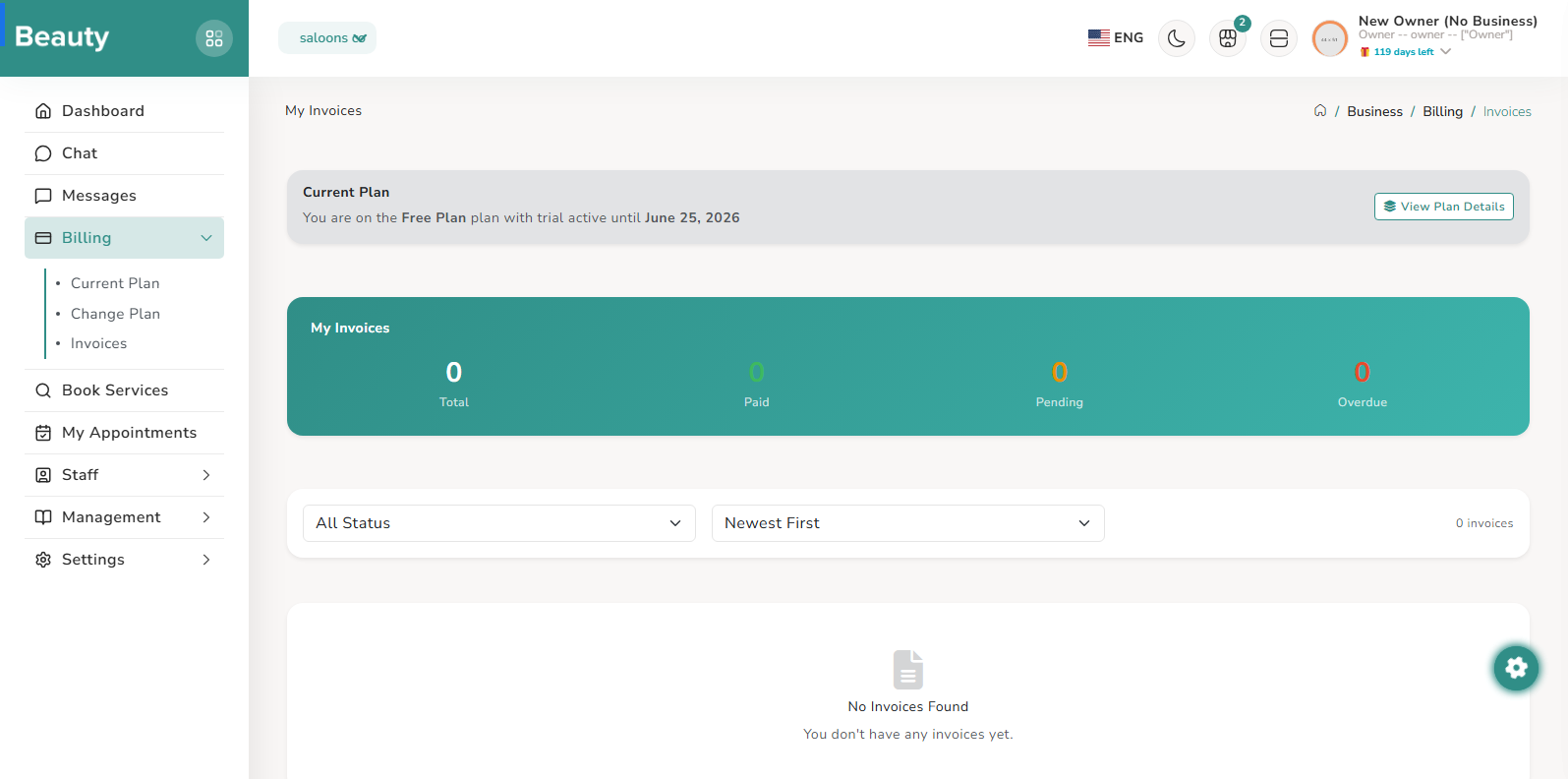
Invoices provides filtered financial history with status indicators and action shortcuts for preview, detail view, and payment for pending/overdue items.
Workflow Execution Steps
- Filter financial history and review status indicators.
- Use action shortcuts for preview, detail view, and payment for pending/overdue items.
- Follow up pending and overdue items to closure.
Reference Screenshots