Role Navigation
Swipe roles, tap to open submenuProvider • Appointments
Standalone submenu content with role-aligned workflow and execution checkpoints.
Overview
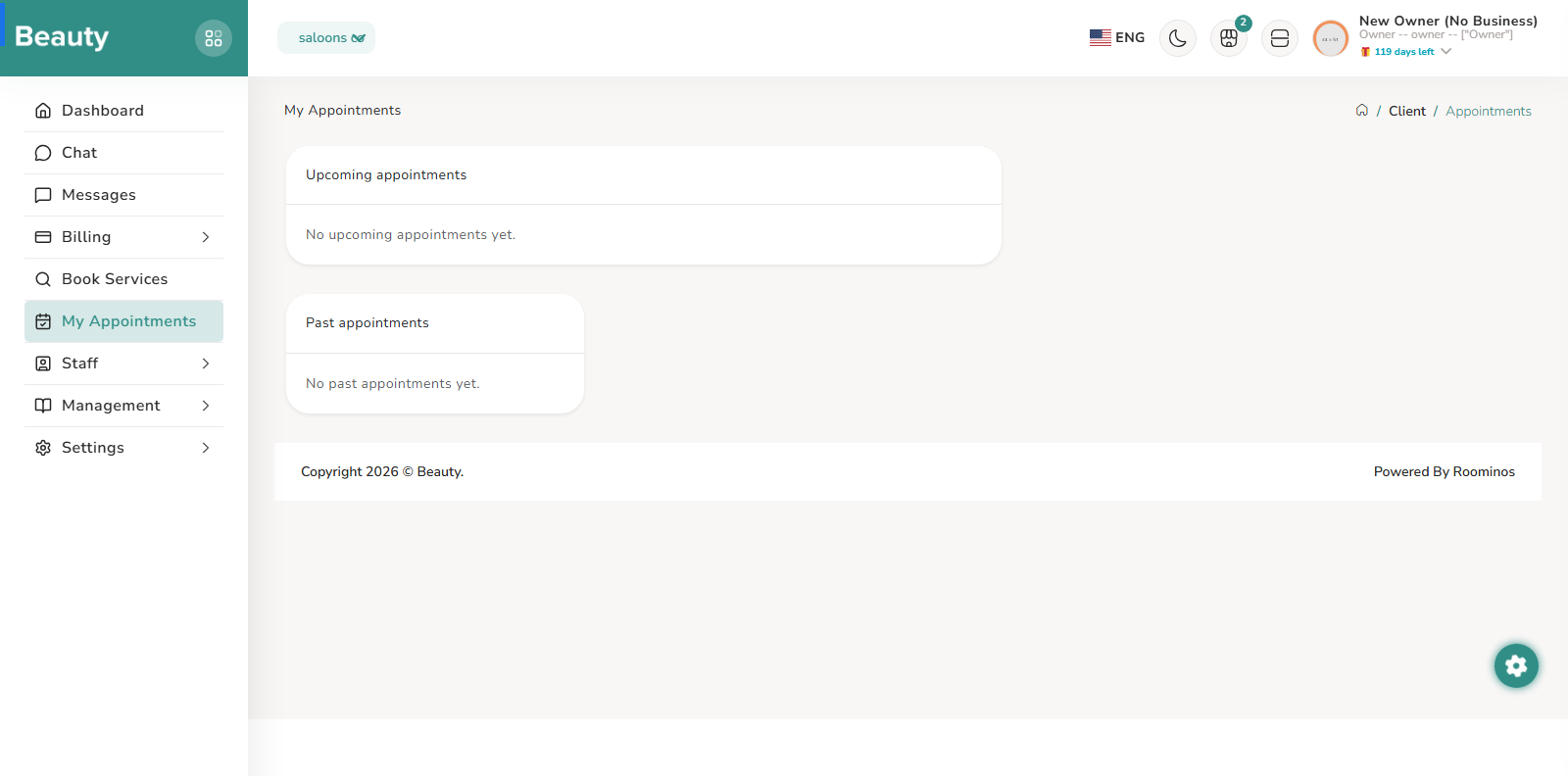
The Appointments list complements calendar by organizing work into status-driven tabs for upcoming, finished, and cancelled activity. Providers can filter by staff, inspect client/service/time blocks, reassign staff for upcoming sessions, and mark eligible appointments as finished or cancelled. The intended workflow is to use calendar for rapid placement and timeline visibility, then use appointments list for status transitions and accountability cleanup.
Workflow Execution Steps
- Use status-driven tabs for upcoming, finished, and cancelled activity.
- Filter by staff, inspect client/service/time blocks, reassign staff for upcoming sessions, and mark eligible appointments as finished or cancelled.
- Use calendar for rapid placement and timeline visibility, then use appointments list for status transitions and accountability cleanup.
Reference Screenshots