Role Navigation
Swipe roles, tap to open submenuProvider • Calendar
Standalone submenu content with role-aligned workflow and execution checkpoints.
Overview
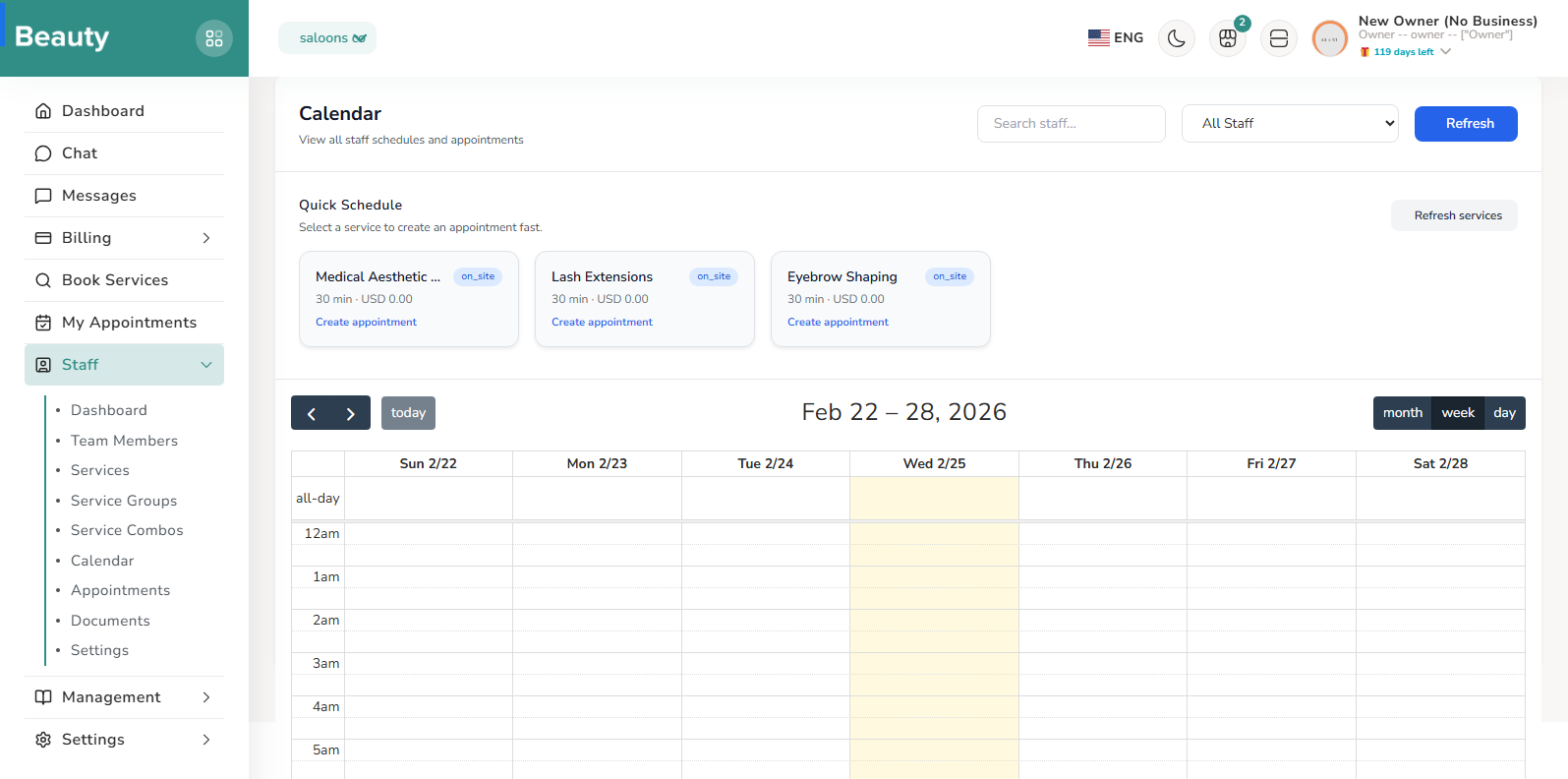
The Calendar page is the high-control scheduling surface. It combines staff filtering, quick service cards for fast appointment creation, and a modal flow that captures service, client, date/time, assignment mode, and notes. The same page also includes event detail viewing and edit entry points, so providers can move from schedule overview to action without leaving context. This keeps operational speed high when front-desk updates happen continuously.
Workflow Execution Steps
- Use staff filtering, quick service cards, and modal create flow for fast appointment creation.
- Capture service, client, date/time, assignment mode, and notes in the same operational flow.
- Move from schedule overview to event detail/edit without leaving context.
Reference Screenshots