Role Navigation
Swipe roles, tap to open submenuProvider • Messages
Standalone submenu content with role-aligned workflow and execution checkpoints.
Overview
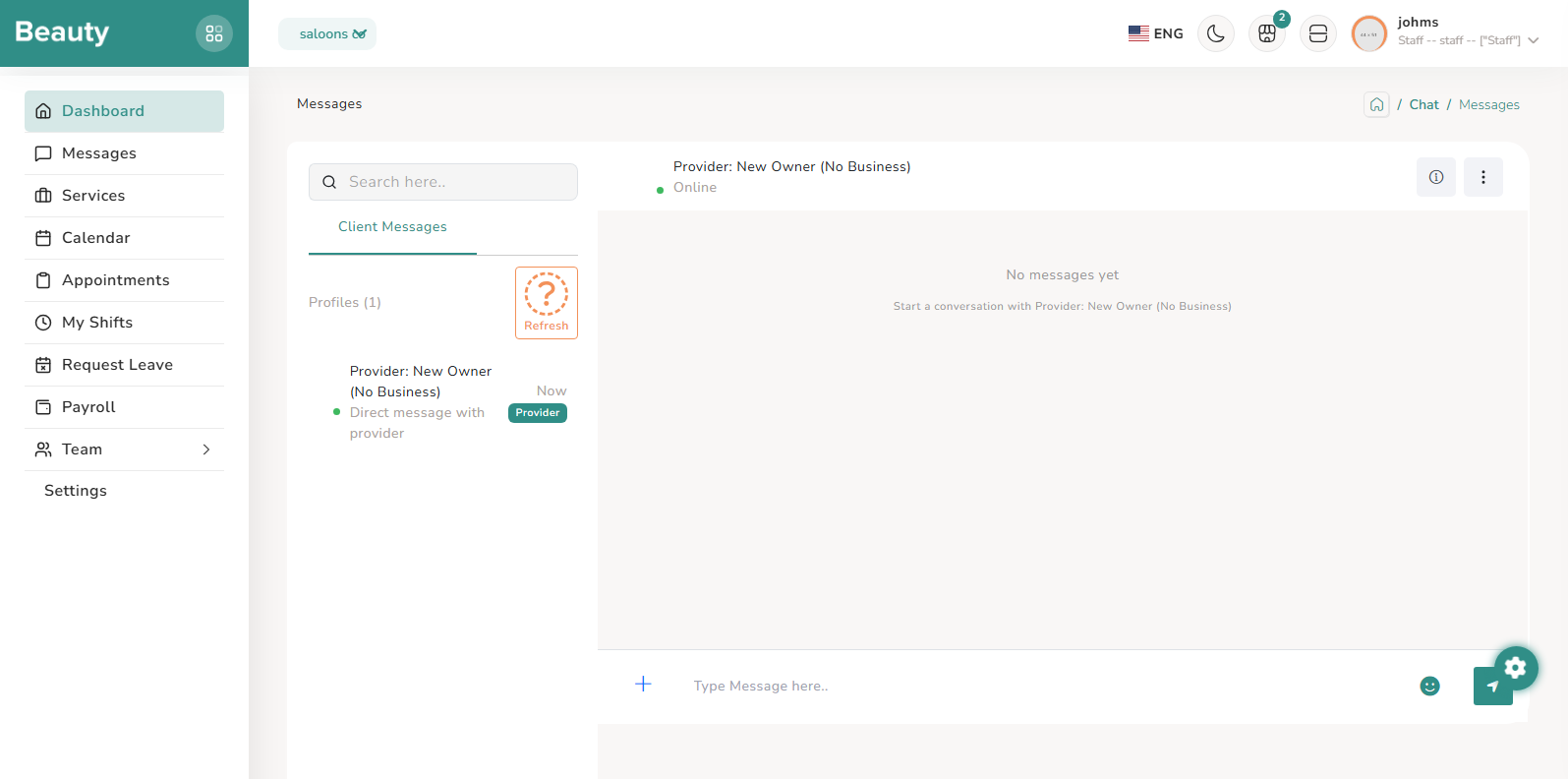
The Messages page is a two-pane inbox and conversation workspace where providers pick client/staff conversations on the left and respond on the right in real time. It supports attachment upload, inline image preview, file download, and auto-scroll behavior so high-frequency back-and-forth remains usable during operations. The practical workflow is queue triage first (select the profile with newest activity), then conversation resolution with text or attachment responses, then refresh and continue to the next conversation.
Workflow Execution Steps
- Queue triage first (select the profile with newest activity).
- Conversation resolution with text or attachment responses.
- Refresh and continue to the next conversation.
Reference Screenshots