Role Navigation
Swipe roles, tap to open submenuProvider • Dashboard
Standalone submenu content with role-aligned workflow and execution checkpoints.
Overview
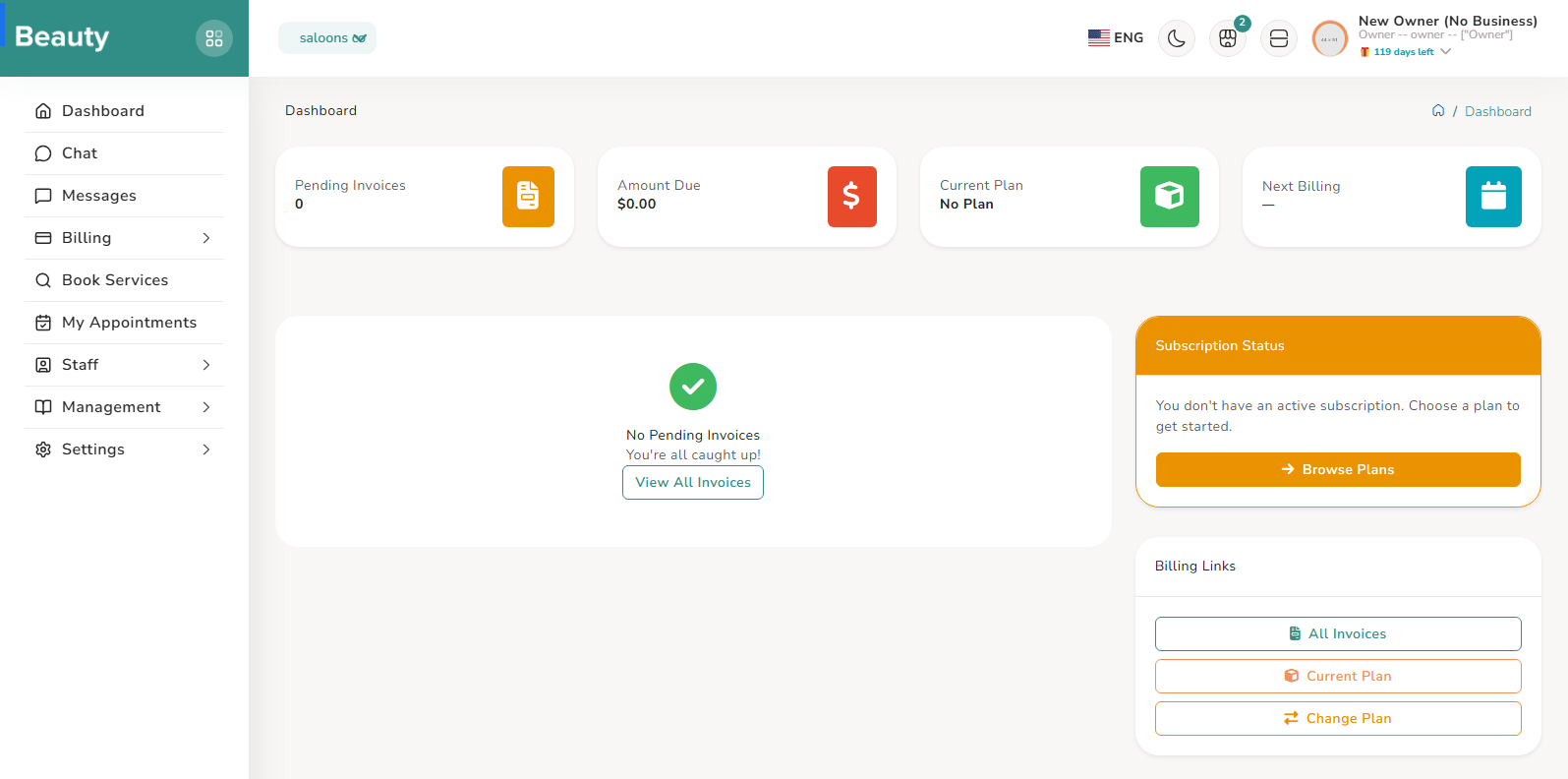
Before the explanation sections, this is the provider-side menu map as it appears for business-owner workflows. 1) Dashboard 2) Messages 3) Services 4) Service Groups 5) Service Combos 6) Calendar 7) Appointments 8) Billing - Current Plan, Change Plan, Invoices 9) Reports 10) Staff (when staff module is enabled) - Dashboard, Team Members, Documents, Settings 11) Management - Legal Pages, FAQs, FAQ Categories 12) Settings - Business, Visibility & SEO. This menu list reflects the owner/provider operational sidebar structure, with visibility still controlled by permission checks and plan/module entitlements. A normal provider session starts with a dashboard-level state check, then moves into service readiness, appointment execution, communication, team maintenance, and billing follow-up. In stable daily usage, the order usually follows operational risk: first make sure bookable inventory is correct, then confirm scheduling execution in calendar and appointments, then answer messages, then handle staffing and permissions, then review plan and invoices, and finally adjust business profile and visibility settings when marketing or compliance updates are needed. This ordering matches how provider-side mistakes typically affect customers: service and schedule issues appear first, team and billing issues next, and profile polish last. For new owners in trial period, the trial welcome flow acts as a guided entry point with remaining-day context and direct navigation to onboarding, dashboard, or plan pages depending on business state. This keeps first-time providers from landing in incomplete operational flows before core setup is ready. Provider navigation is dynamic and policy-driven. Menu visibility depends on user type, assigned permissions, business context, and module entitlements, so two providers can see different branches depending on account state. Staff-related pages require staff module availability, and billing/report pages still obey billing/report permissions and entitlement checks. The reliable way to interpret missing menus is to treat them as authorization or entitlement state, not documentation mismatch.
Workflow Execution Steps
- Dashboard-level state check first.
- Move in order of operational risk: services, calendar/appointments, messages, staffing, billing, then business profile and visibility settings.
- Interpret missing menus as authorization or entitlement state, not documentation mismatch.
Reference Screenshots