Role Navigation
Swipe roles, tap to open submenuProvider • Settings / Business
Standalone submenu content with role-aligned workflow and execution checkpoints.
Overview
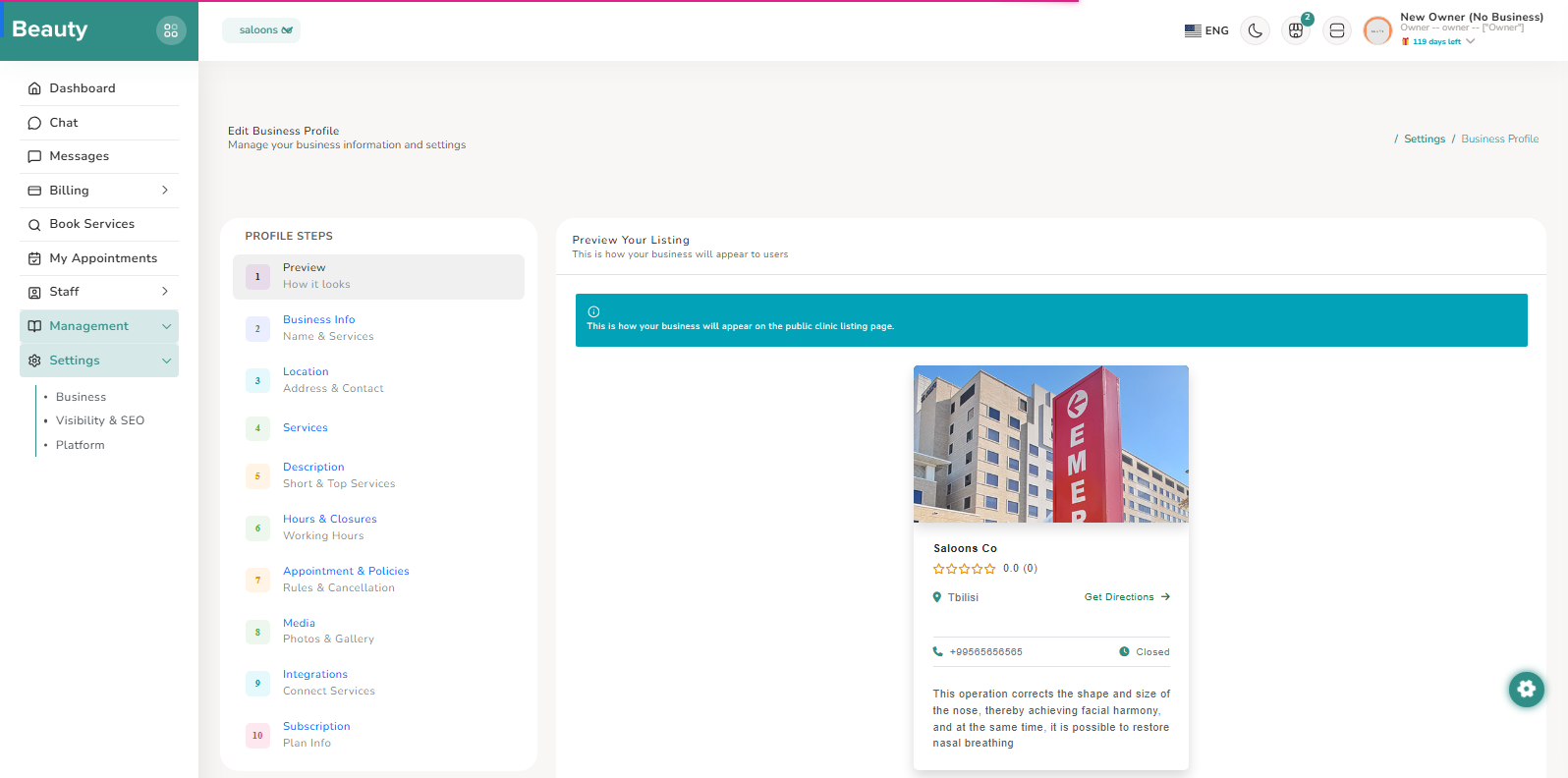
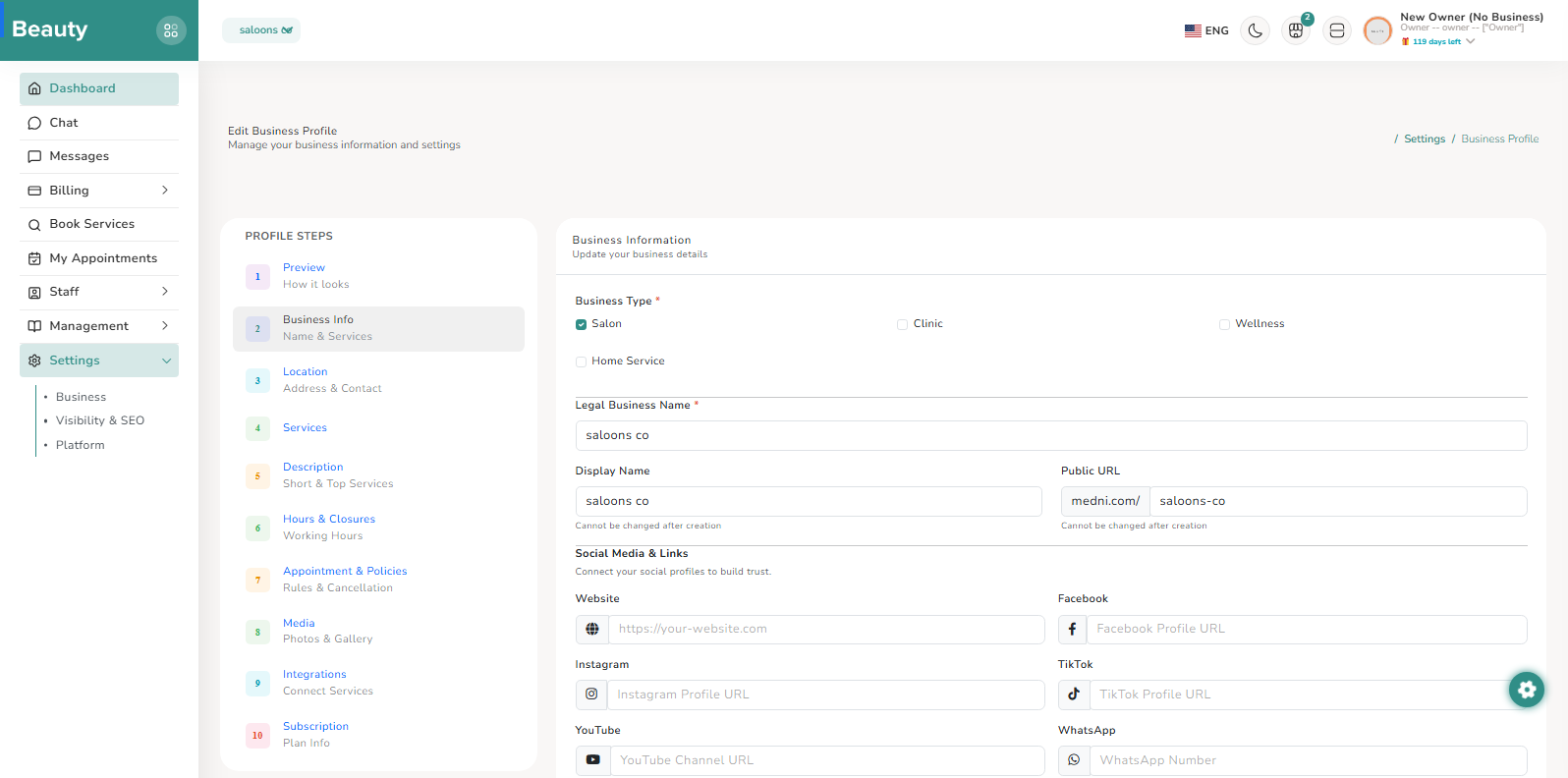
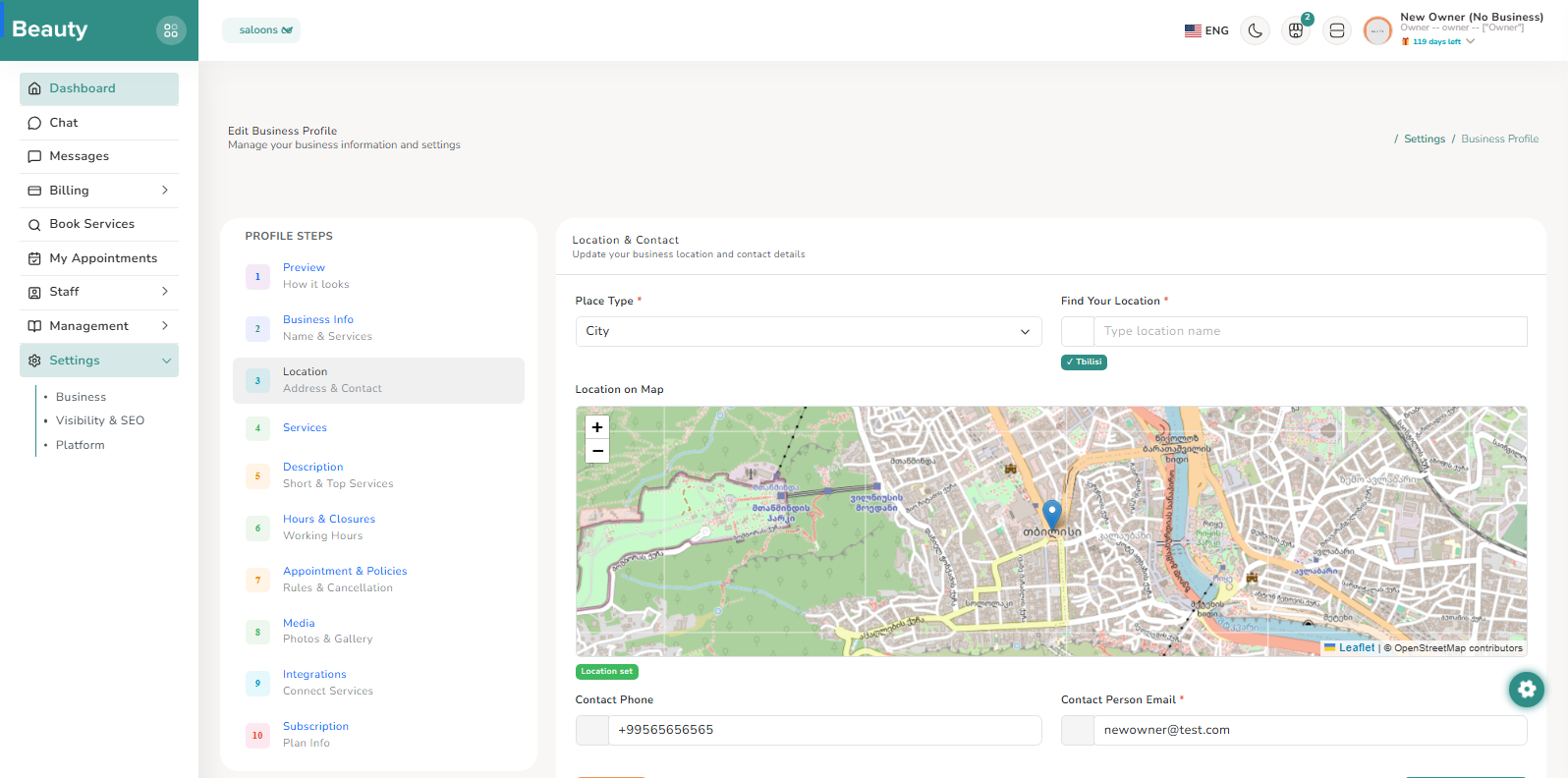
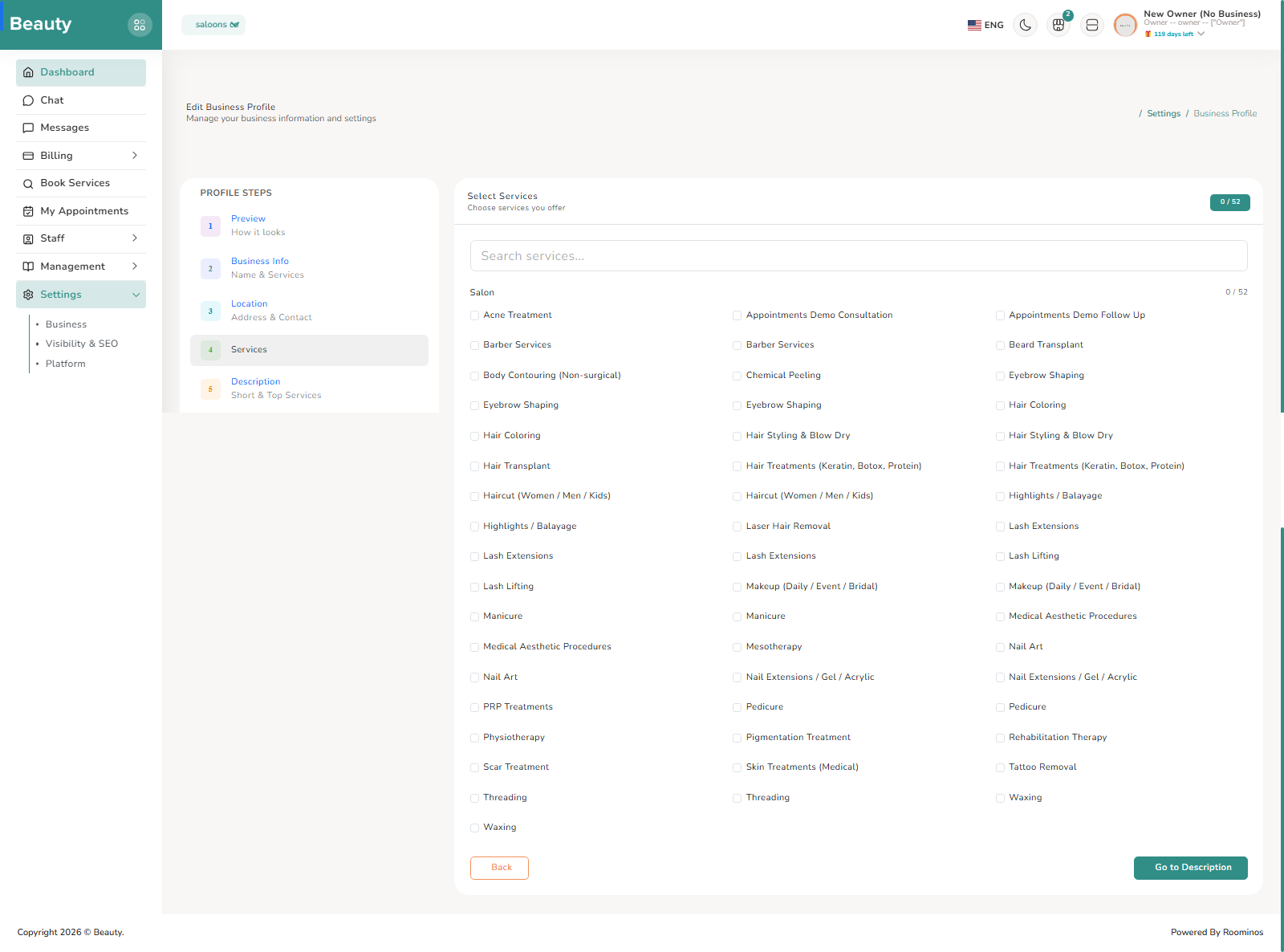
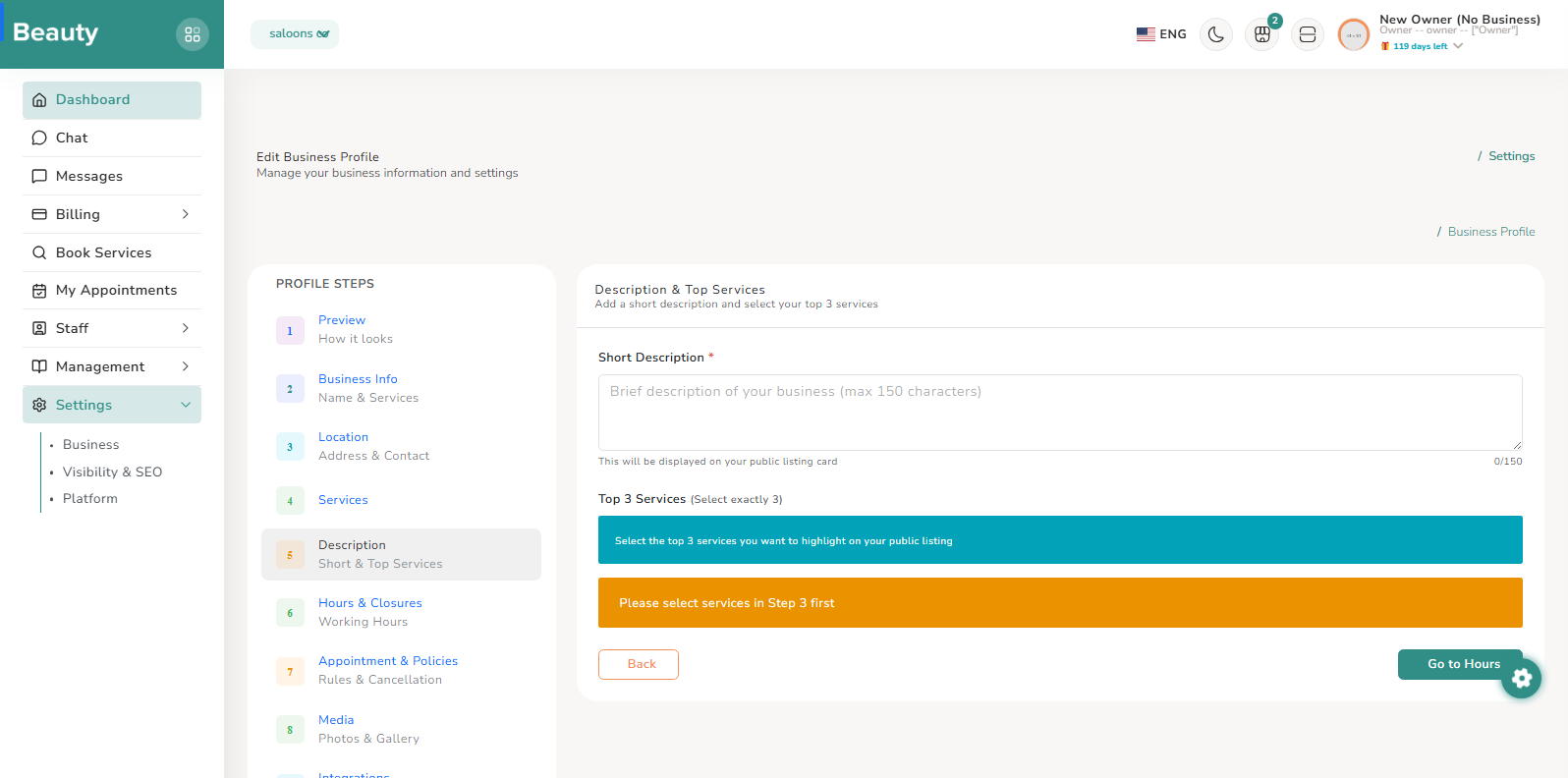
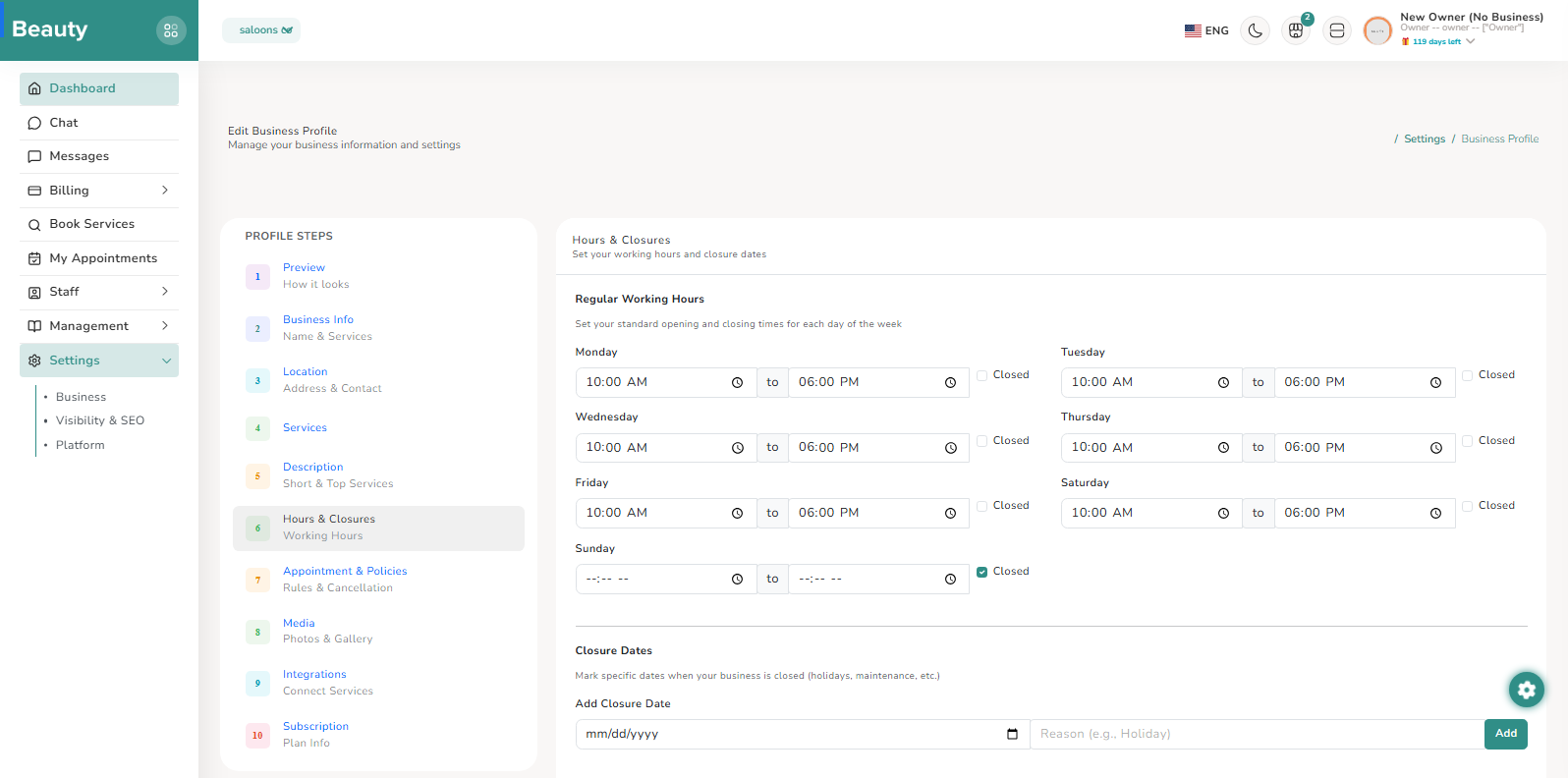
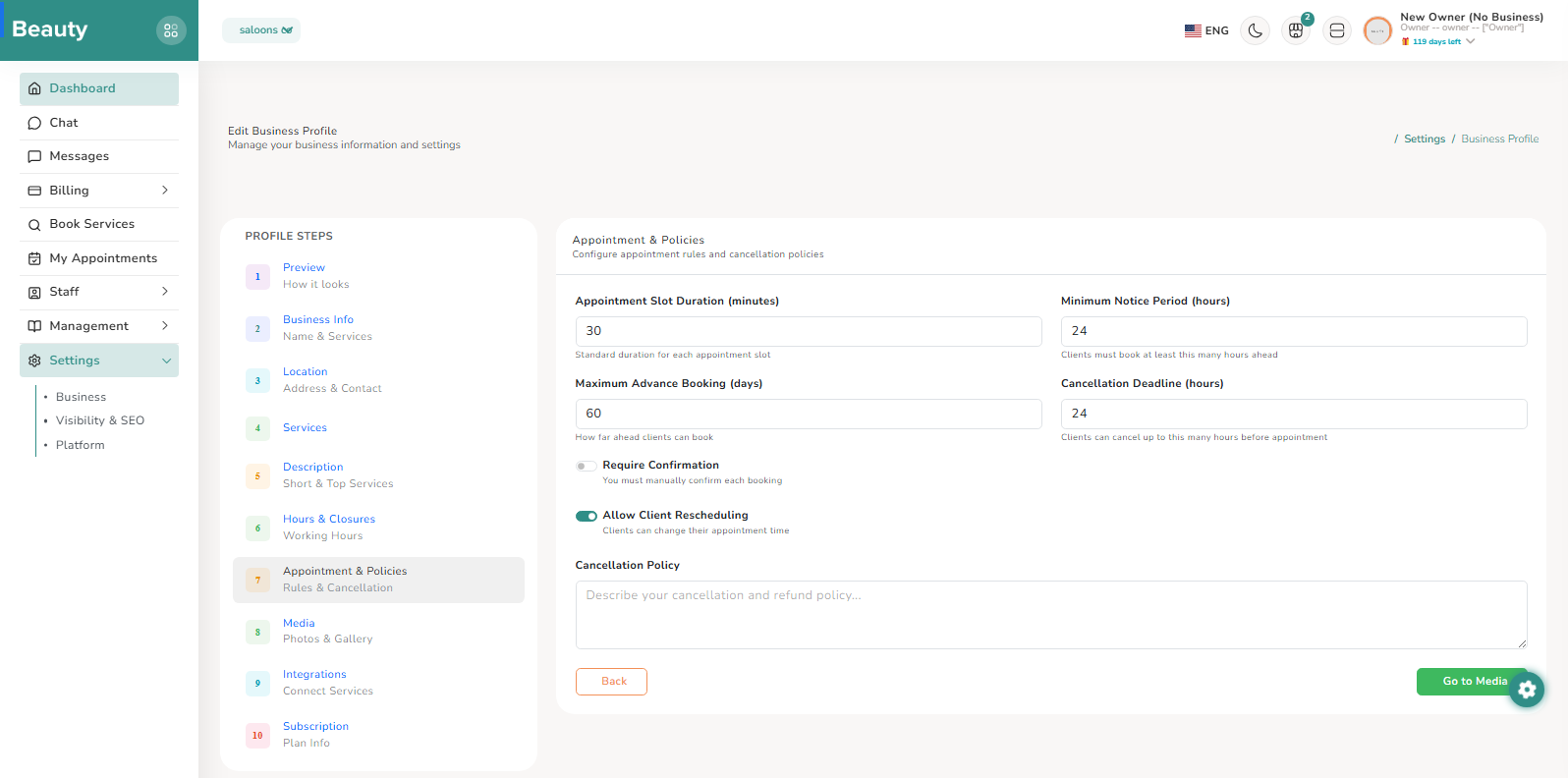
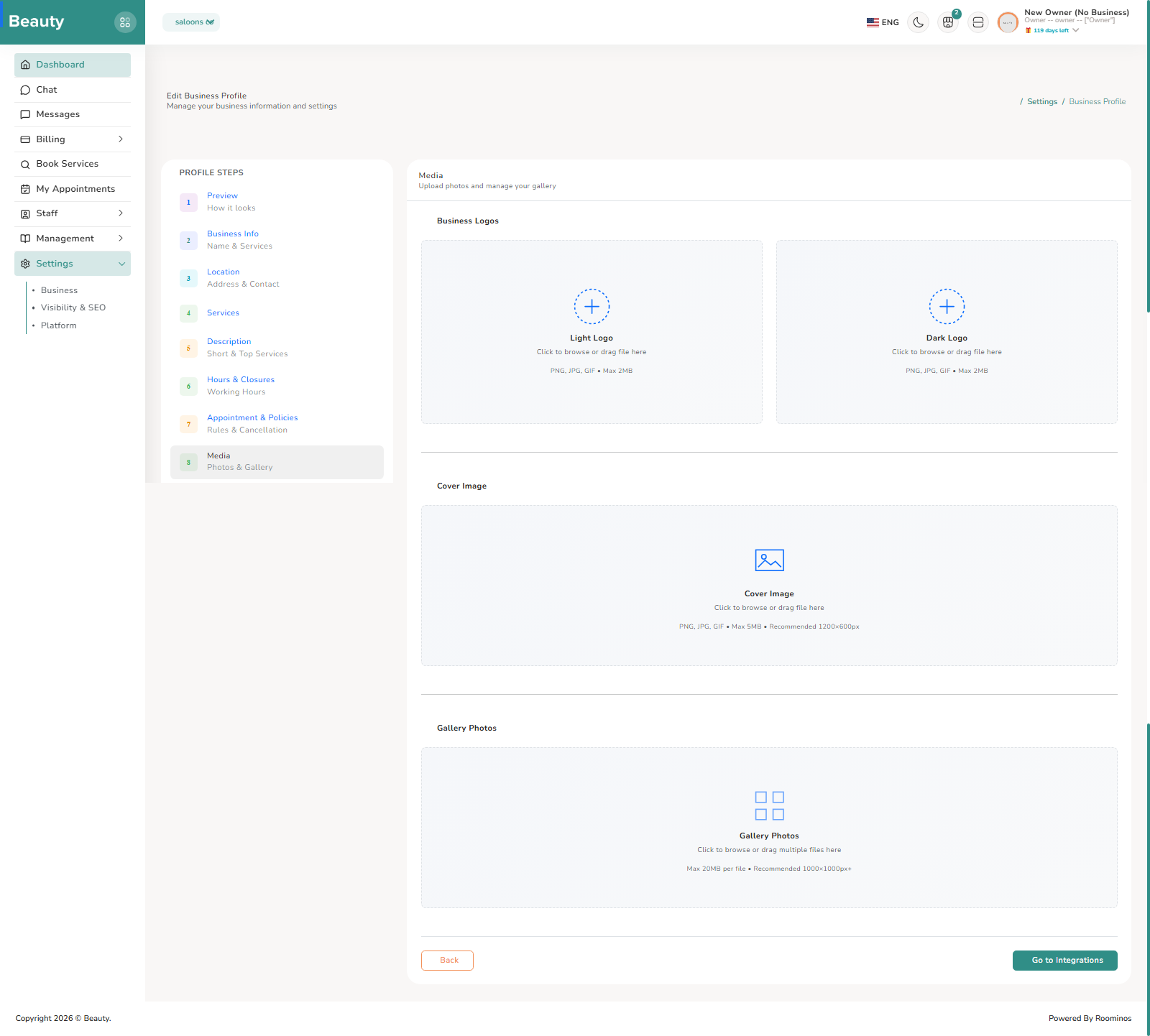
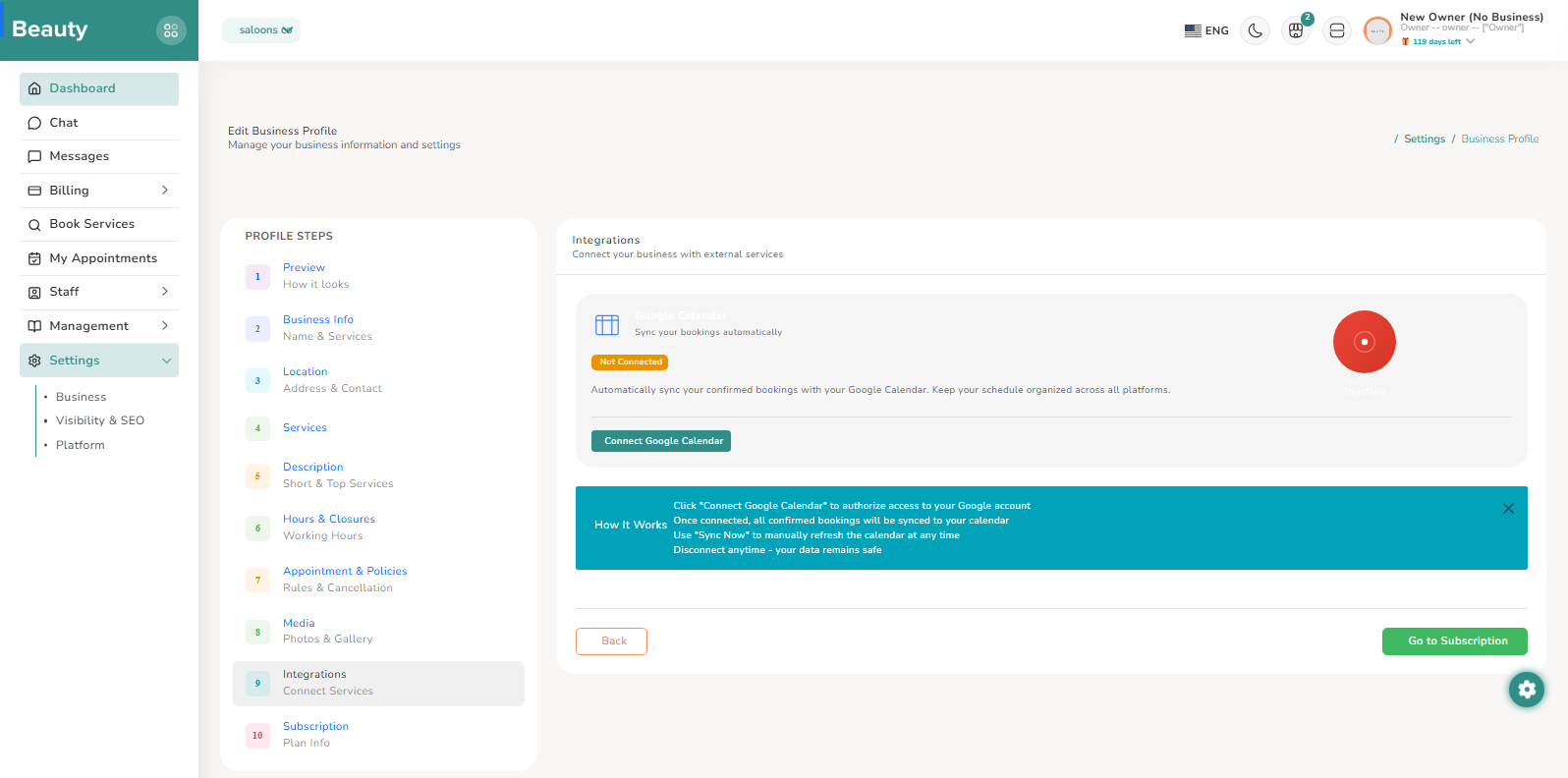
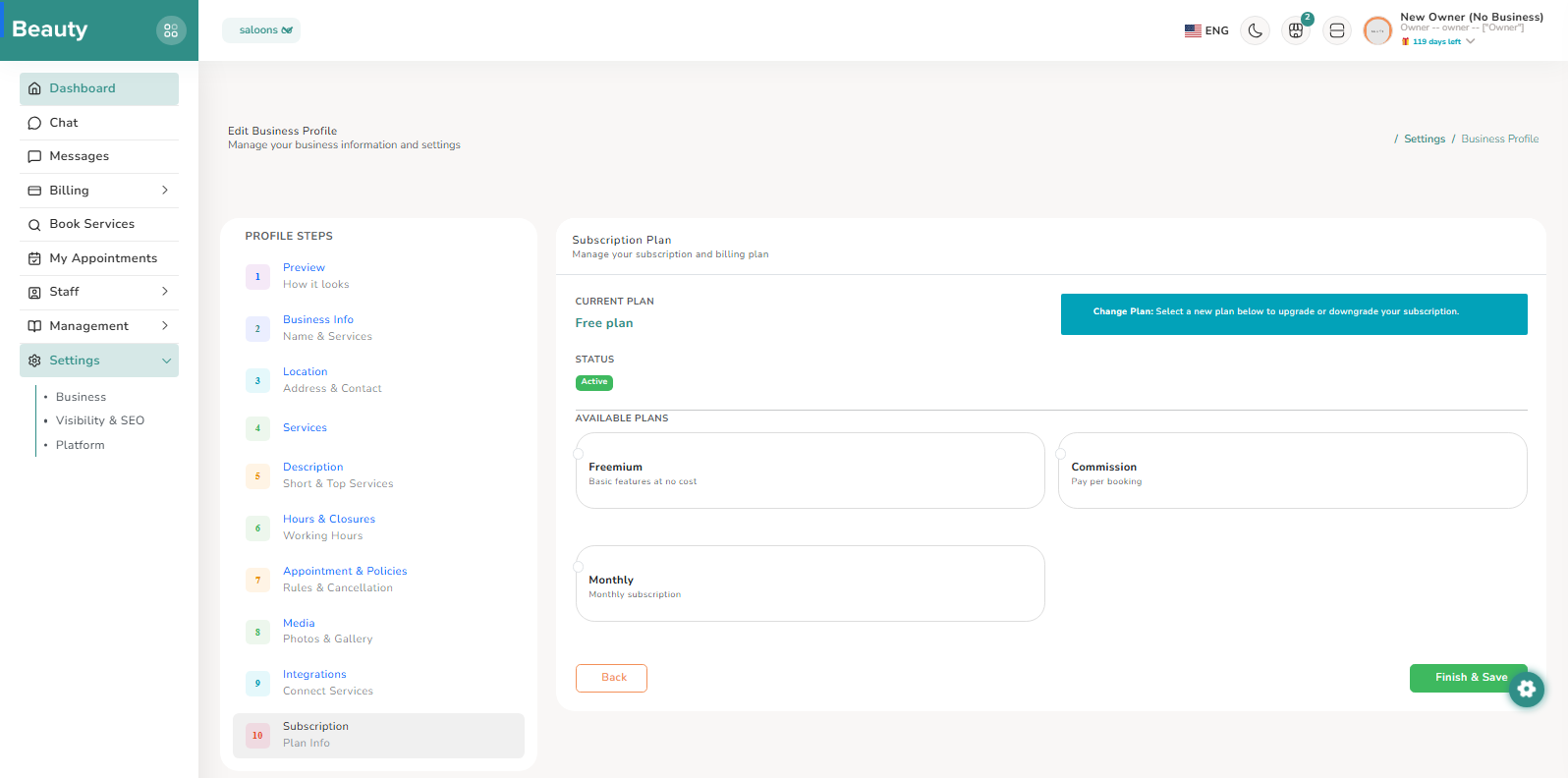
The Business settings experience is implemented as a multi-step profile editor with a left-side step navigator and tabbed content progression. The flow covers preview, business identity, location/contact, service selection context, descriptive content, hours and closures, appointment/policy rules, media assets, integrations, and subscription context. Providers typically run this in focused passes, completing one step domain at a time to avoid partial inconsistent profile state.
Workflow Execution Steps
- Run focused passes through one step domain at a time.
- Cover preview, business identity, location/contact, services context, descriptive content, hours/closures, appointment/policy rules, media assets, integrations, and subscription context.
- Avoid partial inconsistent profile state.
Reference Screenshots