Role Navigation
Swipe roles, tap to open submenuStaff • Appointments
Standalone submenu content with role-aligned workflow and execution checkpoints.
Overview
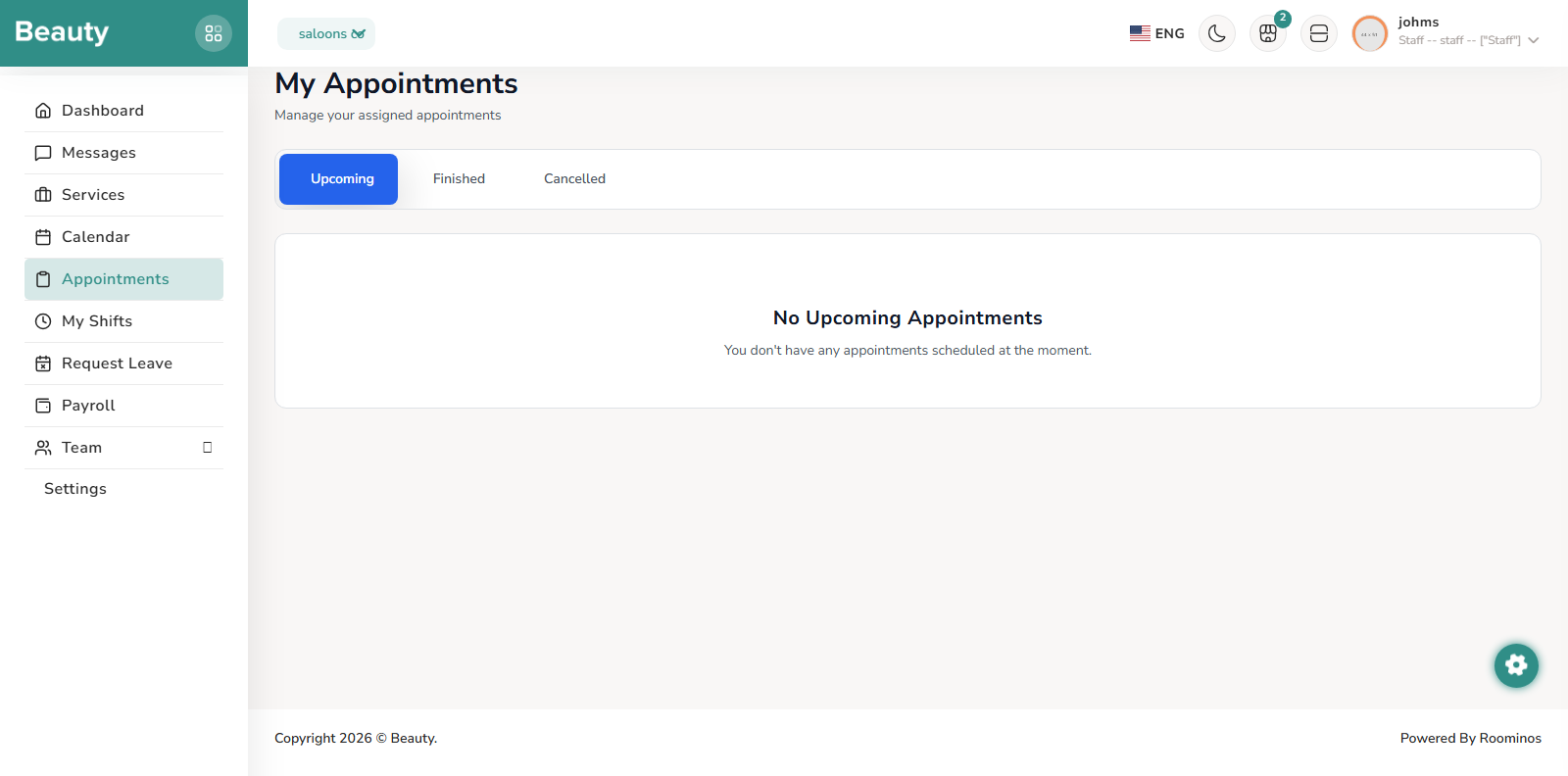
The Appointments page complements calendar with status-based work queues across upcoming, finished, and cancelled states. Staff can inspect client and service details, review appointment notes, and mark upcoming appointments as finished when work is completed. In real operation, calendar is used for time-block visibility, while the appointments list is used for status progression and completion discipline.
Workflow Execution Steps
- Open Appointments and work through status queues: upcoming, finished, and cancelled.
- Inspect client/service/time details and appointment notes before taking action.
- Mark eligible items finished and keep status progression disciplined and visible.
Reference Screenshots