Role Navigation
Swipe roles, tap to open submenuStaff • Calendar
Standalone submenu content with role-aligned workflow and execution checkpoints.
Overview
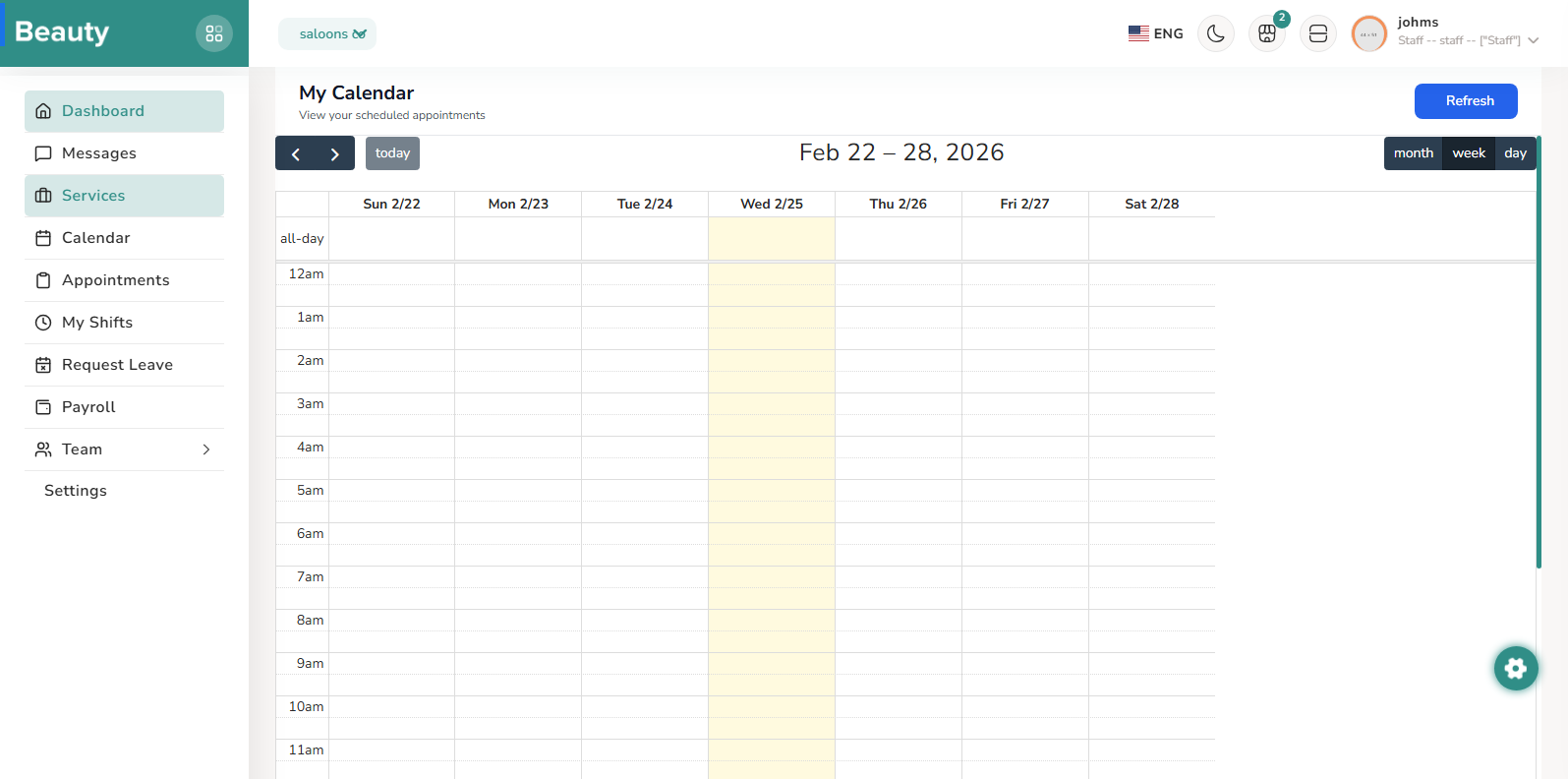
The Calendar page is the staff schedule timeline, showing assigned appointments in a full calendar experience with refresh control and event detail modal behavior. Staff use it to review upcoming day and week load, inspect individual event details, and quickly identify timing, modality, and notes before delivery.
Workflow Execution Steps
- Open Calendar and scan assigned appointments across day/week timeline.
- Inspect event details for timing, modality, notes, and delivery preparation.
- Use timeline view to identify and communicate schedule risks early.
Reference Screenshots