Role Navigation
Swipe roles, tap to open submenuStaff • Messages
Standalone submenu content with role-aligned workflow and execution checkpoints.
Overview
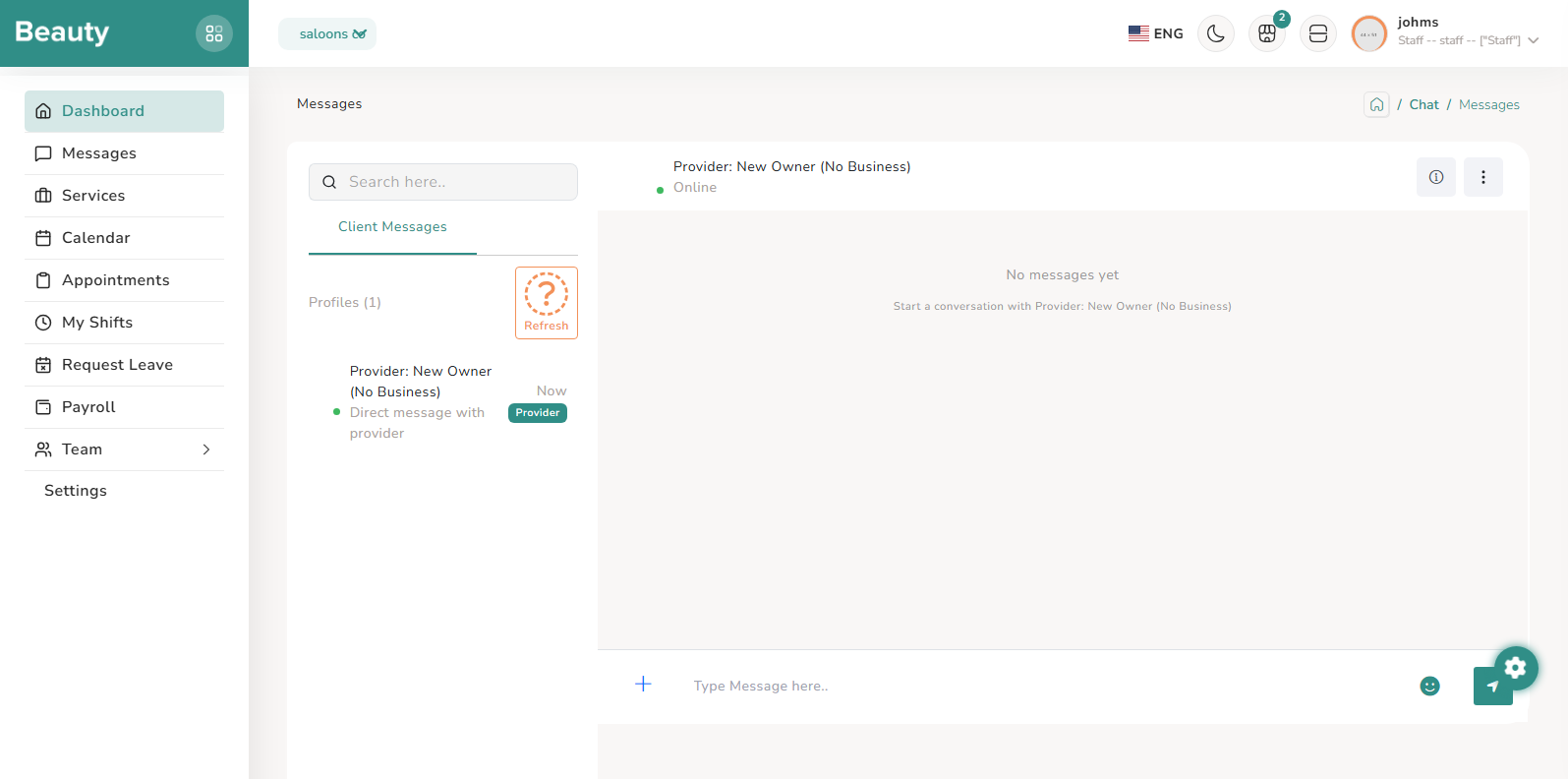
Messages uses the shared chat inbox workflow, where staff can open conversation threads and respond in real time as part of appointment delivery and team coordination. Operationally, staff members use this space to handle client follow-ups, clarify appointment context, and coordinate updates with business-side participants. Because chat is integrated into the same authenticated business context, the message flow supports ongoing service execution without leaving the staff workspace.
Workflow Execution Steps
- Open Messages and pick active conversation threads by newest operational activity.
- Review context, respond in real time, and include any appointment clarification needed.
- Continue conversation handling as part of ongoing service execution in business context.
Reference Screenshots