Role Navigation
Swipe roles, tap to open submenuStaff • My Shifts
Standalone submenu content with role-aligned workflow and execution checkpoints.
Overview
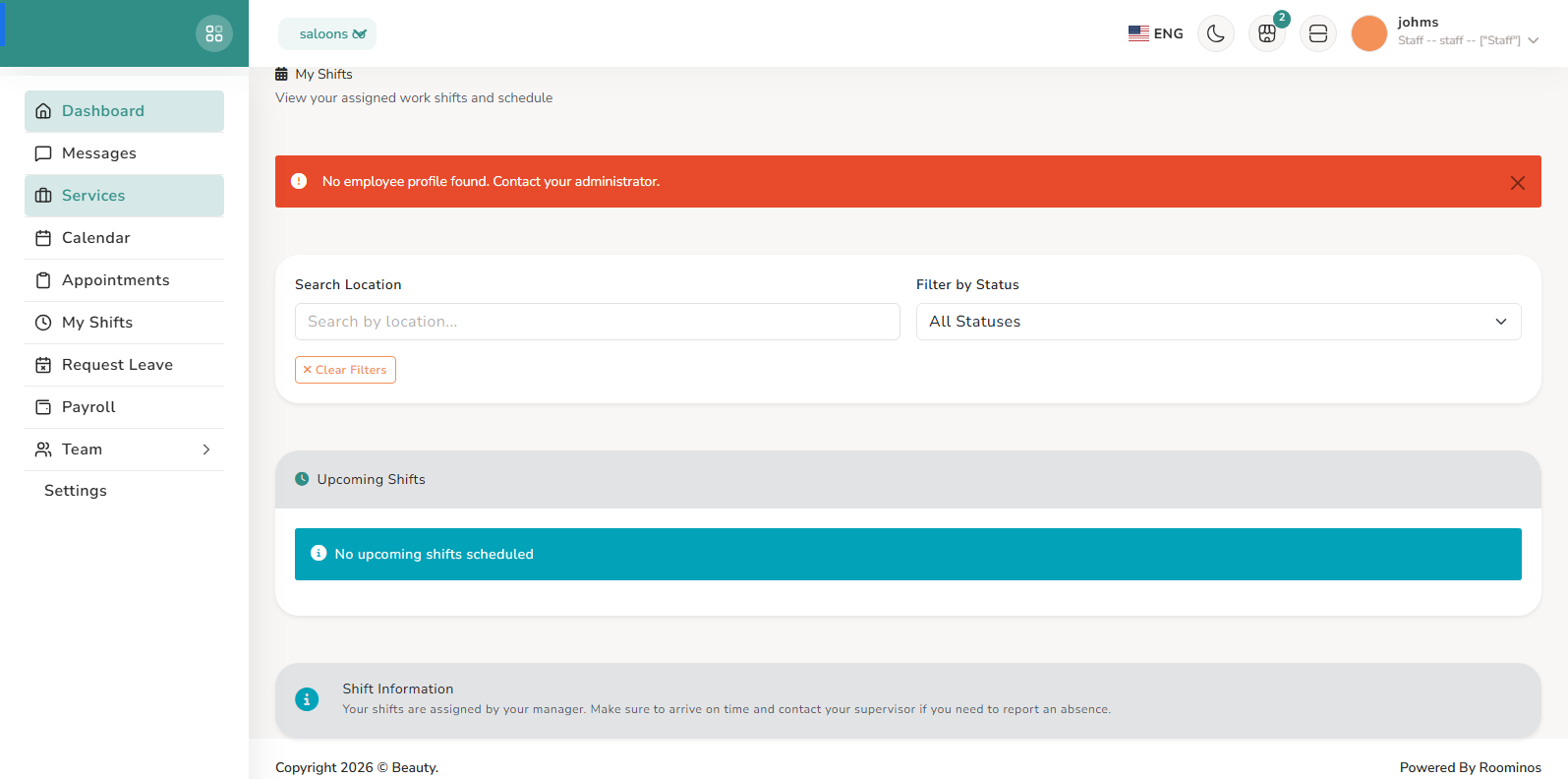
My Shifts provides a filtered schedule view with upcoming and past shifts, including date, time, location, break duration, and status. Staff use this page as the authoritative shift checklist and to confirm near-term attendance expectations.
Workflow Execution Steps
- Open My Shifts and review upcoming and past assignments.
- Confirm date, time, location, and break details as attendance checklist.
- Use shift visibility to validate near-term attendance expectations.
Reference Screenshots