Role Navigation
Swipe roles, tap to open submenuStaff • Payroll
Standalone submenu content with role-aligned workflow and execution checkpoints.
Overview
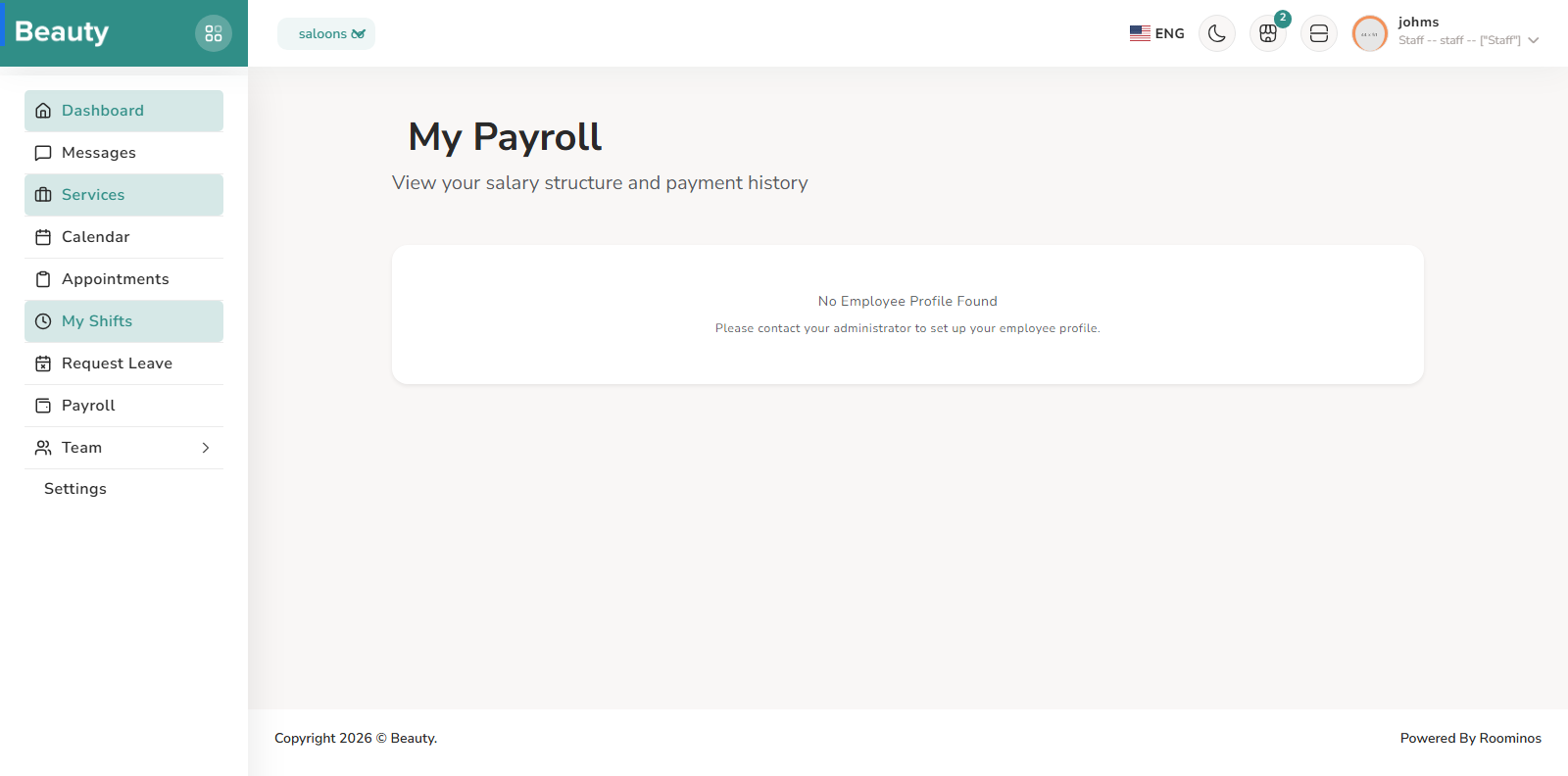
Payroll is a self-service compensation visibility page focused on personal pay structure and payroll history context. It shows whether employee and allocation setup are complete, surfaces policy explanations such as overtime behavior, and presents compensation components in a structured format. Staff use this area to verify their own payroll expectations and detect missing setup early, then escalate to managers when allocation or policy state is incomplete.
Workflow Execution Steps
- Open Payroll and review personal pay structure, history, and allocation setup status.
- Check policy/context notes (including overtime behavior) against expected compensation.
- Capture missing setup or discrepancy evidence and escalate for correction.
Reference Screenshots