Role Navigation
Swipe roles, tap to open submenuStaff • Team / View Members
Standalone submenu content with role-aligned workflow and execution checkpoints.
Overview
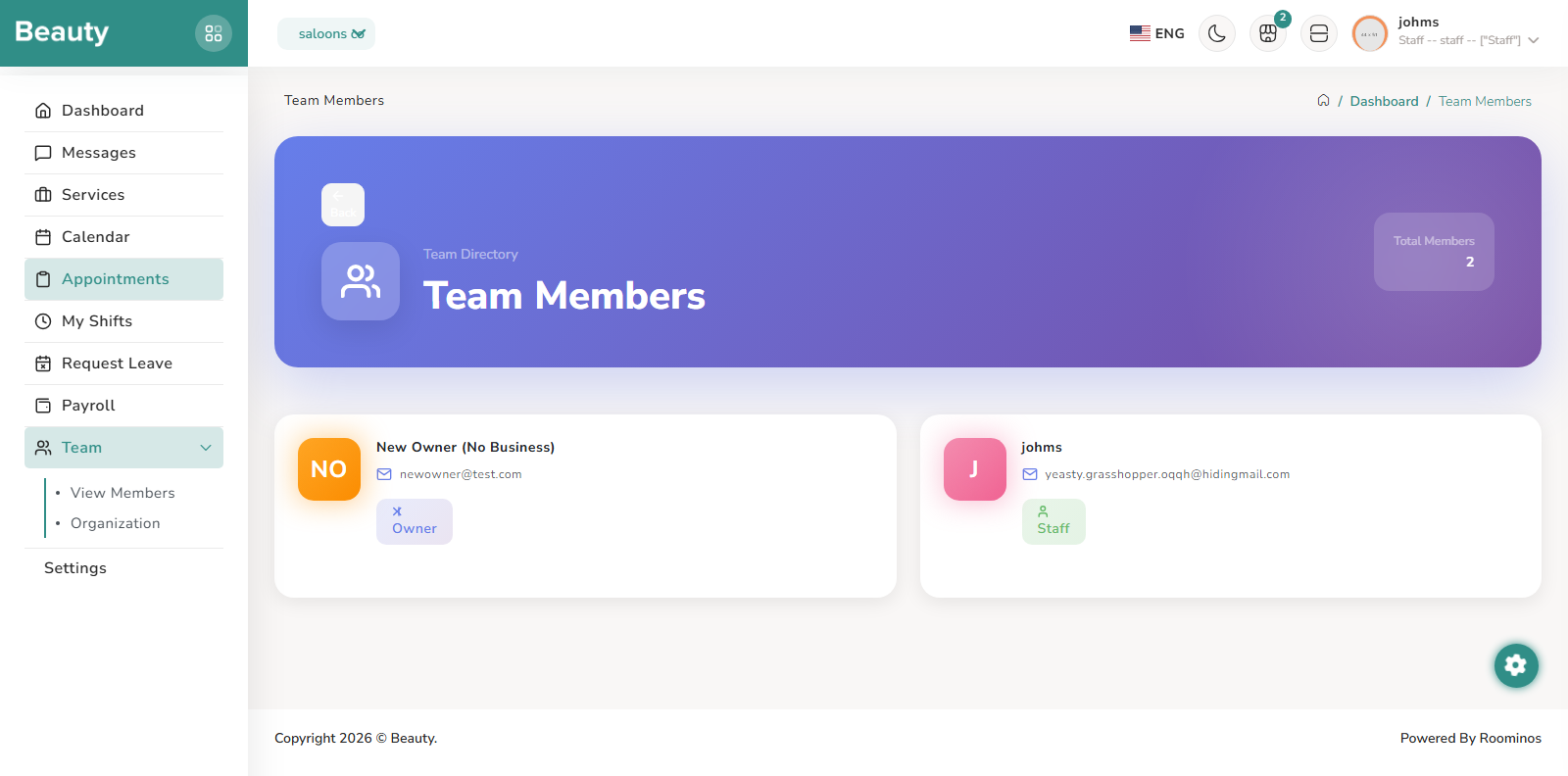
The Team group includes View Members and Organization pages. View Members presents team-directory style information so staff can understand who is in the business context and each person’s role posture.
Workflow Execution Steps
- Open Team / View Members and review role posture within current business context.
- Locate relevant teammates quickly for operational coordination or handoff.
- Use directory context to reduce communication friction during active operations.
Reference Screenshots